Troubleshooting
How to Fix a Smart Thermostat After a Power Surge?
A power surge can affect your smart thermostat. Learn how to troubleshoot and fix it, restoring your home's comfort and control.
Fix connection, power, sensor, display, heating, and cooling problems.
A power surge can affect your smart thermostat. Learn how to troubleshoot and fix it, restoring your home's comfort and control.
Is your room sensor showing the wrong temperature? Discover common causes and how to fix inaccurate readings for a comfortable home environment.
Smart thermostat schedule not saving? Discover common reasons why and learn troubleshooting steps to get your settings working correctly again.
Smart thermostat geofencing not working? Discover common reasons and solutions to get your location-based temperature control back online.
Smart AC controller not turning off the AC? Discover common reasons and troubleshooting steps to get your system working correctly again.
Smart thermostat display frozen? Learn common causes like power issues, software glitches, and how to troubleshoot to get your system working again.
Is your smart thermostat not detecting motion? Learn common reasons why this happens and discover simple solutions to get it working again.
Smart heat pump controller short cycling? Learn the common causes and how to troubleshoot this issue to restore your system's efficiency.
Learn why a smart thermostat is inaccurate in direct sunlight and how heat affects readings. Get steps for placement and checking room temperature.
Room sensor not syncing? Learn common causes like battery issues, Wi-Fi problems, and placement. Find solutions to get your sensor working again.
Fix a smart thermostat app not updating by checking internet, app settings, and device status. Restore current readings and control with these steps.
Smart thermostat delayed after power outage? Learn why and how to quickly restore its functionality. Get your comfort back on track.
Is your smart vent not opening? Discover common causes and troubleshooting steps to get your smart home airflow system working again.
Find out why a smart thermostat short cycles and how to troubleshoot it. Check settings, wiring, sensors, and HVAC problems that may need a pro.
Is your smart thermostat flashing a flame icon? Understand what this symbol means, why it appears, and how to troubleshoot common issues.
Is your smart thermostat not reaching set temperature? Discover common reasons like sensor issues, poor insulation, or system malfunctions and find solutions.
Is your smart thermostat running constantly? Discover common reasons your system might be overworking and how to efficiently resolve these issues.
Smart thermostat app showing an error? Uncover common causes like connectivity issues, outdated software, and sensor malfunctions. Get solutions here.
Is your smart thermostat flashing a snowflake icon? Discover what this symbol means, why it appears, and how to resolve common issues for a comfortable home.
Learn why a smart thermostat is not saving energy and what to check. Review schedules, insulation, and HVAC performance to reduce wasted heating or cooling.
Is your WiFi thermostat offline? Discover common reasons like power, network, or device issues, and learn how to reconnect for smart home comfort.
Fix a smart thermostat WiFi connection that keeps disconnecting. Check signal, router settings, and setup to find the cause and restore access.
Tired of cold spots? Discover practical solutions to fix uneven heating between rooms and enjoy a consistently comfortable home all winter.
Learn how to reset a smart thermostat to factory settings. This guide provides step-by-step instructions for popular models, ensuring a fresh start.
Smart thermostat losing WiFi connection? Discover common causes, troubleshoot issues, and restore reliable control over your home's climate.
Find out why a smart thermostat may not be compatible with your system. Check wiring, voltage, HVAC type, and equipment features before choosing a replacement.
Find out why a smart thermostat cycles on and off. Review settings, sensors, wiring, and HVAC issues that may cause frequent cycling at home.
Troubleshooting your smart thermostat when it's not turning on the AC? Discover common causes and simple solutions to get your cooling back on track.
Is your smart AC controller not responding? Learn common reasons why your thermostat isn't working and how to troubleshoot these issues for a comfortable home.
Is your smart thermostat showing the wrong temperature? Discover common reasons like placement, calibration issues, or sensor malfunctions & how to fix them.
Is your smart thermostat battery draining fast? Discover common culprits like Wi-Fi issues, sensor activity, and wiring problems, plus simple fixes.
Is your smart thermostat screen blank? Discover common reasons like power issues or faulty wiring and learn how to diagnose and fix the problem.
Troubleshooting your smart thermostat not cooling? Discover common reasons like settings, power, or sensor issues & find solutions to restore your comfort.
Is your smart thermostat not heating? Discover common reasons your device isn't working, from power issues to sensor malfunctions, and how to troubleshoot them.
Learn how to reset a smart thermostat, troubleshooting common issues and restoring optimal performance with simple, clear steps.
Fix a smart thermostat not connecting to WiFi by checking signal, router settings, password, and device setup. Follow steps to find the issue and reconnect.
Smart thermostat WiFi connection issues stem from weak signals, incorrect passwords, or router compatibility problems that can be fixed through systematic
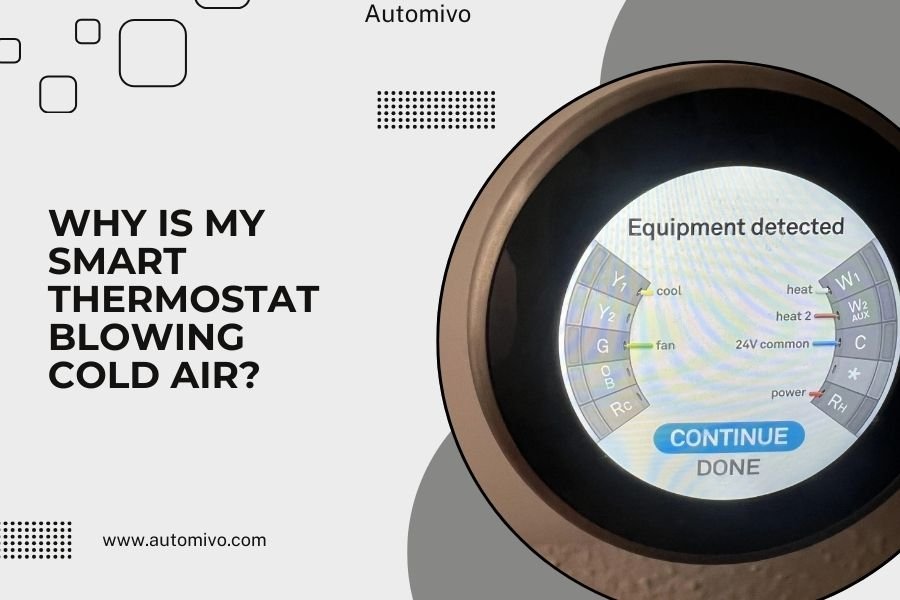
Your smart thermostat is blowing cold air because it's likely in cooling mode when you want heat, has incorrect wiring, or the system settings are wrong.
A blank smart thermostat screen usually means a power issue, loose wiring, or a software glitch that needs immediate attention.
A factory reset erases all your smart thermostat's settings and returns it to original defaults, which usually involves holding the reset button for 10-15
Fix HVAC short cycling with a smart thermostat by checking schedules, settings, wiring, and system issues that cause frequent starts and stops.
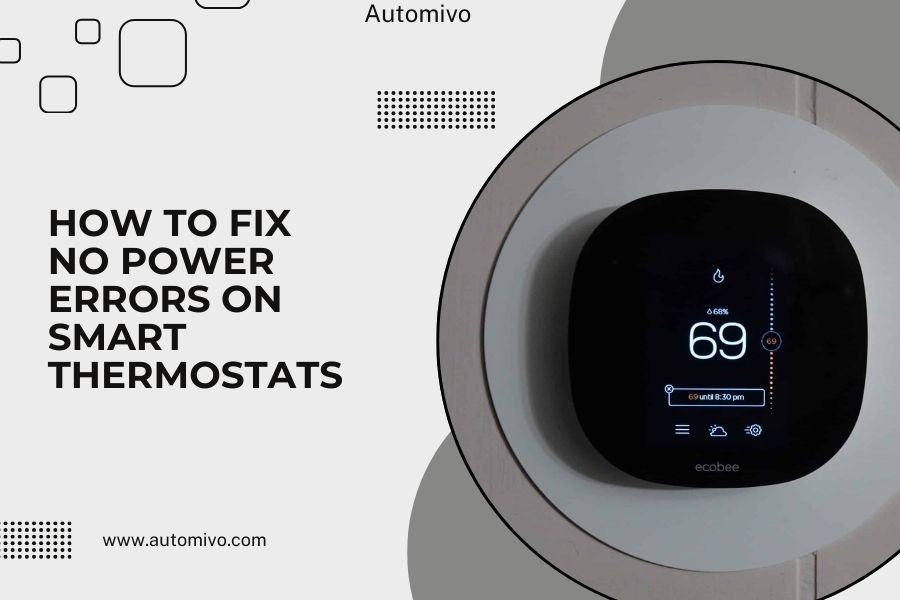
Fix no power errors on smart thermostats by checking the breaker, batteries, wiring, and furnace switch. Learn when to reset or call a technician.
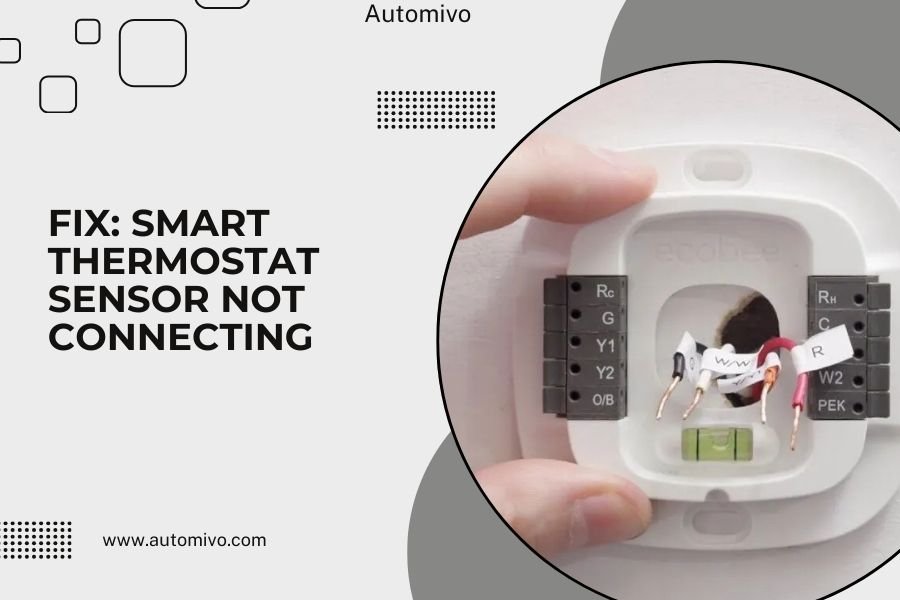
Fix a smart thermostat sensor not connecting by checking battery, placement, pairing, and WiFi. Restore the link and confirm the sensor readings.
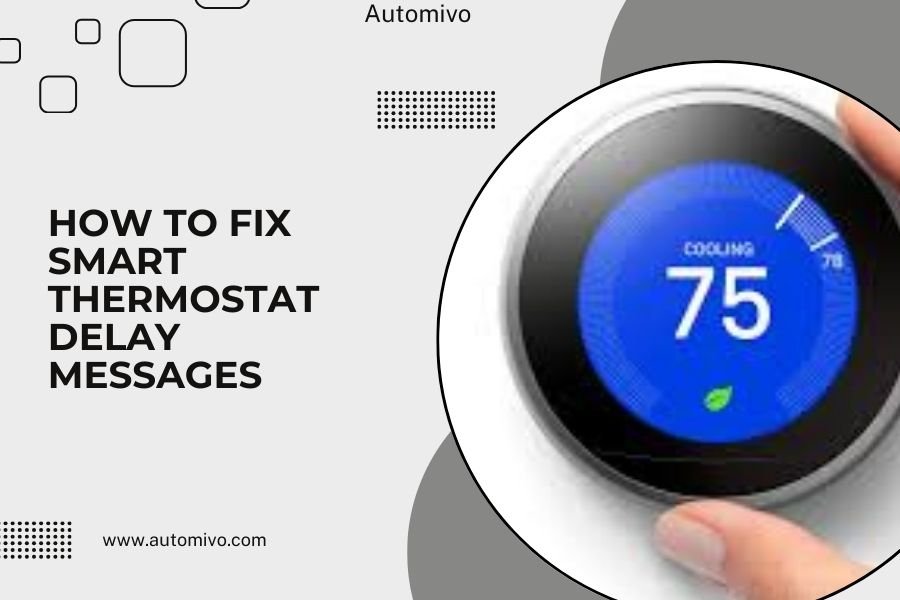
Smart thermostat delay messages usually appear when your device needs time to connect to Wi-Fi, update software, or sync with your HVAC system after changes.
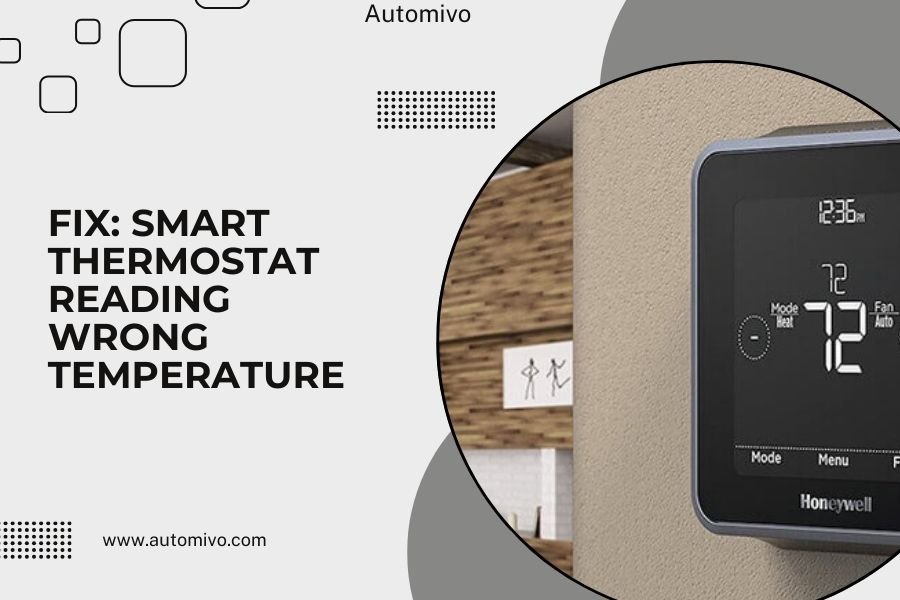
A smart thermostat reading wrong temperature usually happens because of poor sensor placement, dust buildup, or calibration issues that affect its accuracy.
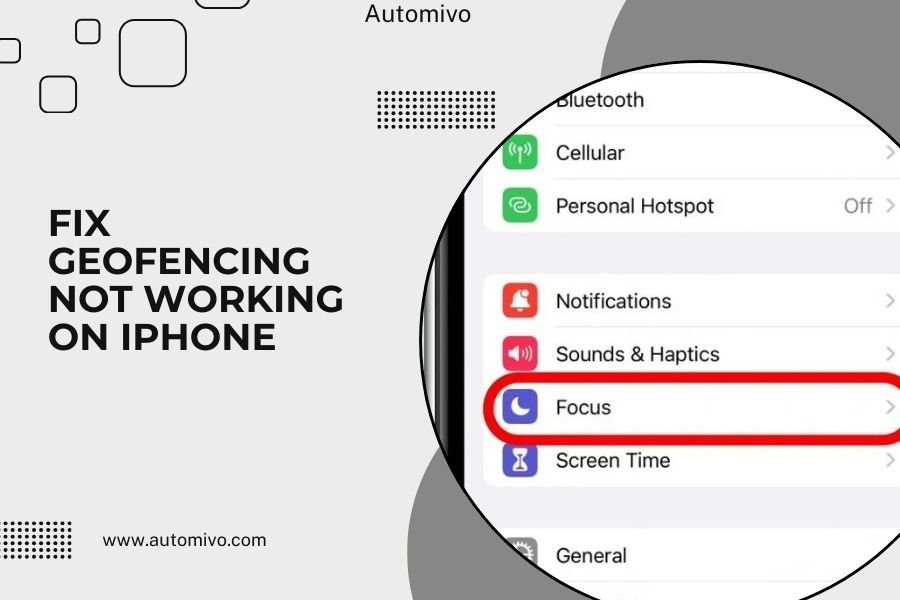
Geofencing not working on iPhone usually happens because location services are turned off or set incorrectly for specific apps.
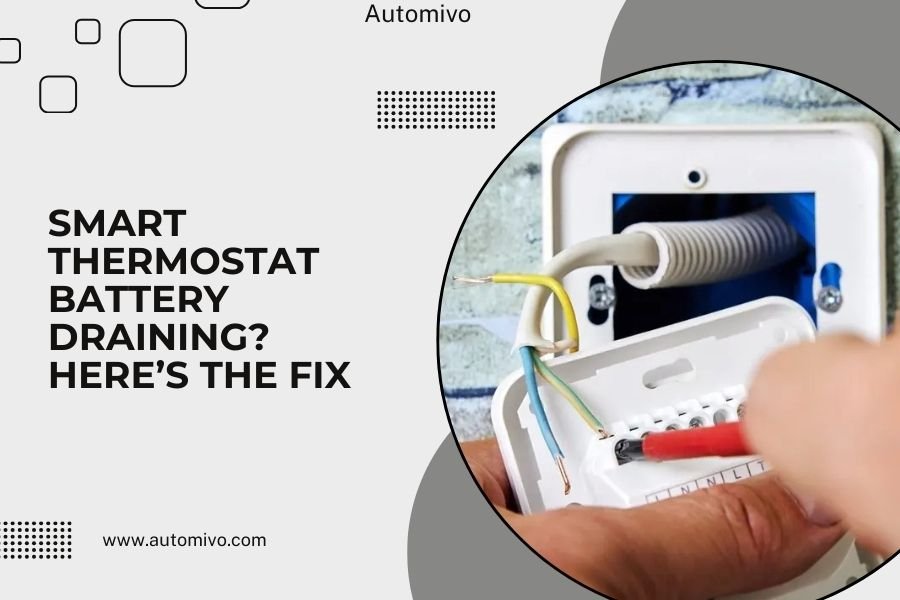
Smart thermostat battery draining happens when WiFi connectivity issues, frequent temperature changes, or old batteries force your device to work harder than
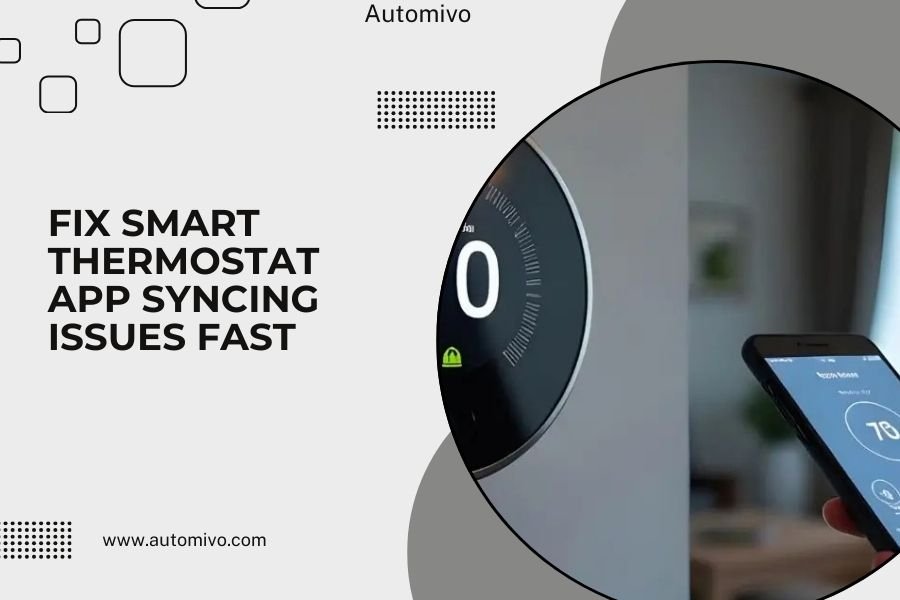
Smart thermostat app syncing issues can be fixed by restarting both your thermostat and phone, checking your Wi-Fi connection, and updating the app to the
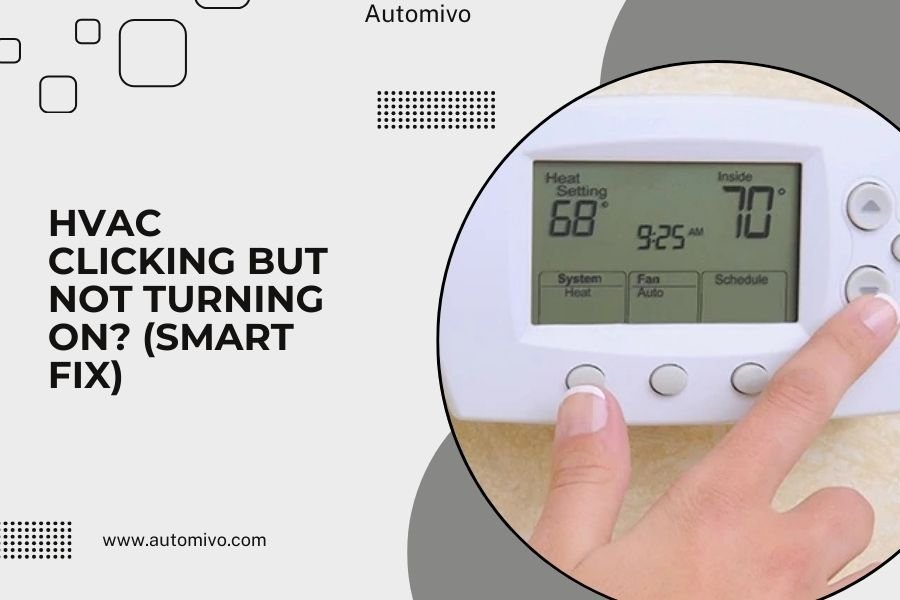
Troubleshoot HVAC clicking but not turning on with checks for the thermostat, power, and common system parts. Learn which signs call for an HVAC technician.
Yes, smart thermostats can cause furnace noise through improper wiring, incorrect settings, or communication errors with your HVAC system.
Fix a smart thermostat offline problem by checking WiFi, router settings, power, and device status. Follow clear steps to reconnect and restore app control.
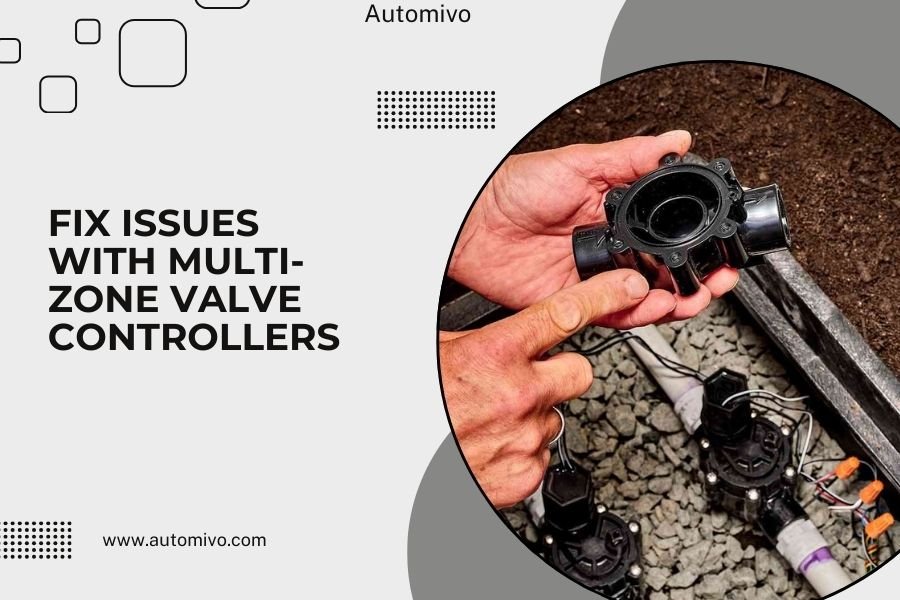
Multi-zone valve controllers fail when actuator motors burn out, wiring connections loosen, or the control board experiences power surges that damage internal
Fix a smart thermostat not turning on AC with checks for cooling mode, settings, power, and wiring. Learn what to try first and when to contact an HVAC pro.
Ghosting issues on smart thermostat displays are typically caused by electrical interference, low power, or display degradation, and can be fixed by checking
Smart thermostat wireless interference happens when other devices disrupt your thermostat's Wi-Fi or radio signals. This causes connection drops, temperature