Why Is My Clare Home Thermostat Offline?
For Clare Home thermostat offline troubleshooting, check the control system, network connection, and thermostat power in that order. This helps you tell a system-wide outage from a problem with one thermostat.
On this page (11 sections)
- What does “offline” mean in Clare Home thermostat troubleshooting?
- What should you check first when Clare Home shows a thermostat offline?
- How do you check thermostat power safely?
- How can the network interrupt a thermostat's status?
- Should you restart or reset the controller?
- Could the thermostat be online but not heating?
- Which thermostat should you choose if you need a replacement?
- How should you set up and care for a replacement thermostat?
- What mistakes commonly prolong an offline problem?
- When should you contact the installer?
- How should you decide what to do next?
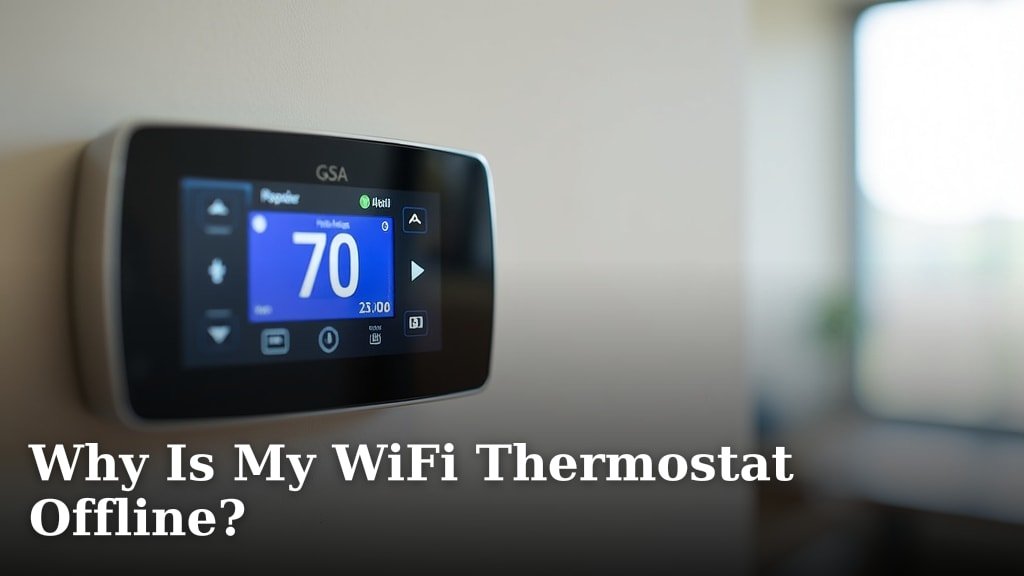
For Clare Home thermostat offline troubleshooting, check the control system, network connection, and thermostat power in that order. An offline alert can reflect a communication problem even when the thermostat still has power and controls heating locally.
For another thermostat communication message, see AC thermostat comm delay troubleshooting.
Start by checking whether other Clare Home devices are also offline. If several devices have lost status at once, focus first on the controller or network, since changing one thermostat's settings won't fix a broader connection problem.
What does “offline” mean in Clare Home thermostat troubleshooting?
Offline means Clare Home isn't showing a current connection status for the thermostat. It doesn't prove that the thermostat has lost power or stopped operating the heating system.
Check the thermostat's display and whether the heating system responds to an ordinary temperature adjustment. Avoid changing wiring or installer settings just to see if the offline message clears.
For a general sequence of checks, see this smart thermostat offline troubleshooting guide. Clare Home installations can use a control system between the thermostat and remote app, so follow the steps that match your equipment.
What should you check first when Clare Home shows a thermostat offline?
Check the Clare Home control system, network, and thermostat, in that order. This narrows the likely source without changing configuration unnecessarily.
- Check whether Clare Home itself is online and responsive.
- Look for other devices marked offline in the same system.
- Confirm that the home network and internet connection are working.
- Check whether the thermostat display is on and responsive.
- Review the controller and thermostat instructions before reconnecting or resetting anything.
If other Clare Home devices are offline, start with the controller and network. If only the thermostat is affected, check its power and the connection path between it and the controller.
Is Clare Home thermostat offline troubleshooting a Wi-Fi problem or a control-system problem?
When several devices are offline, investigate the controller or network first; when just one thermostat is affected, focus on that device's power and connection. Some setups rely on a home automation control system to report device status, so the alert may not mean the thermostat itself has lost Wi-Fi.
If your thermostat connects directly to Wi-Fi, compare the symptoms with common reasons a WiFi thermostat goes offline. If it won't connect during setup, use these smart thermostat WiFi connection checks.
How do you check thermostat power safely?
Check the display and the thermostat's known power source without opening HVAC equipment. A blank display points attention toward power, while an active display means you should continue checking the connection and controller.
Use the system manual to determine whether the thermostat uses batteries, receives power through wiring, or depends on another control component. If it is battery-powered, see why a non-smart thermostat drains batteries.
Don't remove it from its wall plate or touch wiring unless you know the safe service procedure for your system.
If the display is blank, heating equipment is unresponsive, or you notice an electrical smell or damaged wiring, stop and contact a qualified HVAC professional. Avoid repeated power cycling when you don't know which equipment supplies the thermostat.
How can the network interrupt a thermostat's status?
A network interruption can stop Clare Home from updating thermostat status while the thermostat still has local power. Check whether other devices or services have connection trouble as well.
Confirm that the router and internet connection are working, then check system status as Clare's instructions recommend. If you recently changed your router, password, network name, or access point, review the thermostat and controller setup instructions before trying to reconnect devices.
A router restart won't solve every offline alert. If the rest of the system is online and only this thermostat remains offline, its power, pairing, or controller connection needs closer attention.
Should you restart or reset the controller?
Restart only equipment that the system instructions identify as safe to restart, and treat a factory reset as a last step. A restart may restore a temporary connection, while a reset can erase configuration and require setup again.
Before resetting, note the thermostat's current status and check for installer-specific instructions. If a professional installed the system, ask that installer to confirm the recovery steps before removing the thermostat or deleting it from the control system.
For a different control setup, this guide to a Carrier Evolution thermostat showing offline explains the approach for that system. Its device-specific steps may not apply to Clare Home.
Could the thermostat be online but not heating?
Yes, connection status and heating operation are separate issues. Check the local display and heating equipment to tell whether the problem is remote status only or whether heat delivery is affected too.
If the thermostat responds but the room stays cold, follow these checks for a smart thermostat that isn't heating. If the system repeatedly starts and stops, see why a smart thermostat cycles on and off.
Don't keep raising the setpoint to force a response. If heating equipment won't start, makes unusual sounds, or shows a fault, follow its manual or contact an HVAC professional.
Which thermostat should you choose if you need a replacement?
Choose a replacement only after confirming the system's voltage and heating type. The following thermostats serve different setups, and none should be treated as a direct replacement for a connected Clare Home thermostat without a compatibility check.
The Honeywell Home Economy Millivolt Non-Programmable Thermostat suits someone who wants simple, manual heat-only control on a compatible millivolt system. Skip it if you need cooling control, remote status, or app-based adjustments.
The Honeywell TL7235A1003 Line Volt Pro Non-Programmable Digital fits a buyer who needs straightforward control for a compatible 240-volt heating system, with a backlit display and a heating indicator. Skip it if your system is low voltage, millivolt, or needs smart control.
The White-Rodgers 90 Series Blue suits someone who wants a 7-day schedule and a large touchscreen. Its stated compatibility excludes electric baseboard heat and some other systems, so skip it unless your system type is confirmed as compatible.
How should you set up and care for a replacement thermostat?
Start by identifying the existing system and reading both the thermostat and HVAC instructions before installation. Voltage and system type determine whether a thermostat is suitable, and the three options above are not interchangeable.
Before buying, record the current thermostat model and the system type, then check the new thermostat's compatibility requirements. If wire labels or system documentation are unclear, ask an HVAC professional to identify the setup rather than guessing from wire colors.
After installation, set the heating or cooling mode that matches your system and verify operation with a modest setpoint change. Keep the thermostat's instructions and model information accessible, and dust the exterior gently without spraying cleaner into the controls.
What mistakes commonly prolong an offline problem?
The most common mistake is changing settings before finding out whether the outage affects one device or the whole system. A quick comparison with other Clare Home devices helps you choose the right next check.
Avoid factory resetting the thermostat or controller as an early step, since setup may need to be repeated. Don't assume an active display guarantees a working network connection, or that an offline app alert means the heating equipment has stopped.
Also avoid buying a replacement based only on appearance or smart features. A voltage or system-type mismatch can make a thermostat unsuitable even if its controls look familiar.
When should you contact the installer?
Contact the installer if the controller is online but the thermostat stays offline after basic checks, or if you can't identify its power and connection setup. The installer can confirm how Clare Home was configured and whether the thermostat needs to be paired again.
Call an HVAC professional if the display is blank, heating equipment doesn't respond, or wiring appears damaged. Keep the thermostat model and any error message handy so the technician can narrow down the issue.
How should you decide what to do next?
For Clare Home thermostat offline troubleshooting, check other devices first, then the controller, network, and thermostat power. If the thermostat remains offline while the rest of Clare Home works, use the exact equipment instructions or contact the installer before resetting or replacing it.
Choose a replacement only when you know the system type: the Honeywell Home option is for compatible millivolt heat-only systems, the TL7235A1003 is for compatible 240-volt heating, and the White-Rodgers is for compatible systems that benefit from a weekly schedule. For a Wi-Fi-specific fault, continue with the smart thermostat WiFi troubleshooting guide.
Frequently asked questions
Why does my Clare Home thermostat show offline?
Clare Home may show a thermostat offline when its connection to the control system or network is interrupted, or when the thermostat or controller loses power. Check whether other devices are offline, then confirm system status, network service, and thermostat display before changing settings.
How do I reconnect a Clare Home thermostat?
First confirm the Clare Home control system is online, then check the home network and thermostat power. Follow the instructions for your specific controller and thermostat to reconnect or pair them, because the process depends on how the system was installed.
Will a thermostat still heat if it shows offline?
It may still control heating locally, depending on the thermostat and system, even when remote status is unavailable. Check the thermostat display and heating equipment directly.
An offline app status alone doesn't show whether heat has stopped or is working normally.
Should I reset my Clare Home thermostat?
Check power, network, and controller status before considering a reset. A factory reset can remove settings or require setup again, so follow instructions for your exact equipment and contact the installer if you don't know how the system was configured.