Why Does My AC Thermostat Say Comm Delay?
An AC thermostat saying Comm Delay may be waiting for compressor protection or reporting a communication issue. Check the model manual and see whether cooling resumes after its documented wait before changing settings or replacing the thermostat.
On this page (8 sections)
- What does “Comm Delay” mean on an AC thermostat?
- How can you tell an AC communication delay from compressor protection?
- What should you check when Comm Delay appears?
- Can a power interruption cause an AC thermostat delay?
- When should you call an HVAC technician?
- Which thermostat should you choose for a replacement?
- What mistakes make a delay harder to diagnose?
- How do you decide what to do next?
An AC thermostat saying Comm Delay may be waiting for compressor protection or reporting a problem with communication between controls and HVAC equipment. Check the exact thermostat manual and see whether cooling resumes after the stated wait before changing settings or shopping for a replacement.
The message alone doesn't identify the cause. A brief pause after cooling stops can be normal.
A message that stays on alongside lost control may point to a fault. Start by recording the full display text and noting what the system does.
What does “Comm Delay” mean on an AC thermostat?
Comm Delay means the system is waiting before it can continue, but the reason depends on the thermostat and HVAC equipment. Some systems use communicating controls, while others show a delay because the compressor needs time before restarting.
Look up the exact message in the manual for your model. Note when it appears, whether the indoor fan or outdoor unit starts after the wait, and whether the display changes to a different error.
Don't assume every delay means the thermostat has failed. A pause after cooling stops can be expected; an ongoing message paired with a failed cooling call needs further diagnosis.
How can you tell an AC communication delay from compressor protection?
A communication delay concerns the control link; compressor protection concerns when the compressor may restart. Both can pause cooling, so the message, timing, and system response help distinguish them.
A communicating system exchanges information between its thermostat and compatible equipment. For a Carrier Evolution control, see how to fix an offline thermostat.
If that exchange is interrupted, the thermostat may not send a cooling command or receive equipment status as expected.
Compressor protection is a timed wait after a recent shutdown or power interruption. It helps prevent rapid restarting, and it can occur even when the thermostat and equipment are communicating normally.
Thermostats use different wording for delays. Compare the display with your system manuals, and see our guides to why a thermostat blinks Cool On and why Cool On flashes on a Honeywell thermostat for related cooling symptoms.
What should you check when Comm Delay appears?
Start with the display, power, and manuals before changing settings or touching wires. These checks help you tell a short wait from a problem that needs service.
- Record the full message. Write down any code or second line on the display.
- Check the model manual. Find the exact message and its recommended wait or recovery steps.
- Observe the system. Note whether the fan or outdoor unit starts when the message clears.
- Check power safely. Look for an accessible tripped HVAC breaker, but don't open equipment panels.
- Note related symptoms. A blank display, repeated restarts, unusual sounds, or no cooling after the wait can help a technician diagnose the problem.
If the display stays on and cooling resumes after the documented delay, monitor the next cycle. If the message persists, returns often, or the system doesn't respond, contact an HVAC technician.
For another troubleshooting sequence, see how to fix smart thermostat delay messages. If the thermostat won't start the air conditioner, read why a smart thermostat may not turn on the AC.
Can a different thermostat fix an AC communication problem?
A replacement only helps if it matches the system's voltage, wiring, and controls. The three thermostats below serve different applications, and none should be treated as a universal cure for Comm Delay.
The Honeywell Home Economy Millivolt thermostat is a manual, wired control for millivolt heat-only systems. Choose it only for a compatible heating system; skip it for central AC or communicating equipment.
The Honeywell TL7235A1003 is a hardwired 240-volt line-voltage thermostat for heating. Its backlight and heating indicator suit compatible line-voltage heating, but it is not an AC communication replacement.
The White-Rodgers 90 Series Blue is a programmable touchscreen thermostat described for many heating, cooling, and heat-pump systems. It suits buyers who need a daily schedule and a system it supports; skip it if your equipment is excluded or uses controls it cannot match.
Before buying any thermostat, identify whether your system is low voltage, line voltage, millivolt, or a communicating setup. Compare the terminal labels and equipment requirements with the replacement's compatibility information, or ask a qualified technician to confirm the match.
Can a power interruption cause an AC thermostat delay?
Yes, a power interruption can trigger a compressor protection wait when power returns. It can also disrupt communication on systems that use communicating controls, so the timing and exact message matter.
If there was a recent outage or breaker trip, allow the system the time stated in its manual. Avoid repeatedly switching the breaker off and on, since this can restart the waiting period or make diagnosis harder.
A display that goes blank or restarts may point to a power issue. For a non-smart model, see thermostat battery drain causes.
Don't remove the thermostat or touch wires unless you are qualified and the manual specifically instructs you to do so.
How should you set up a replacement thermostat?
Confirm compatibility before removing the old control, then follow the model's wiring and setup instructions. A thermostat with the wrong voltage or control type can be unsuitable even if its screen and features look appealing.
Take a photo of the existing wiring and label each wire before disconnecting anything. Shut off power at the correct breaker, verify the system is off as the instructions require, and stop if the wiring or system type is unclear.
After installation, select the correct equipment configuration and test heating or cooling according to the manual. Don't guess at terminals or settings.
A communicating system may require controls designed for that equipment, so have a technician handle uncertain wiring or configuration.
When should you call an HVAC technician?
Call a technician if Comm Delay stays on, returns repeatedly, or cooling doesn't resume after the manual's stated wait. Also arrange service if a breaker trips again or you notice damaged wiring, a burning smell, or unusual equipment noise.
For a thermostat-specific example, read Bosch thermostat noise.
Share the thermostat model, complete message, when it began, and whether power was recently interrupted. These details help separate a control communication issue from a compressor protection pause.
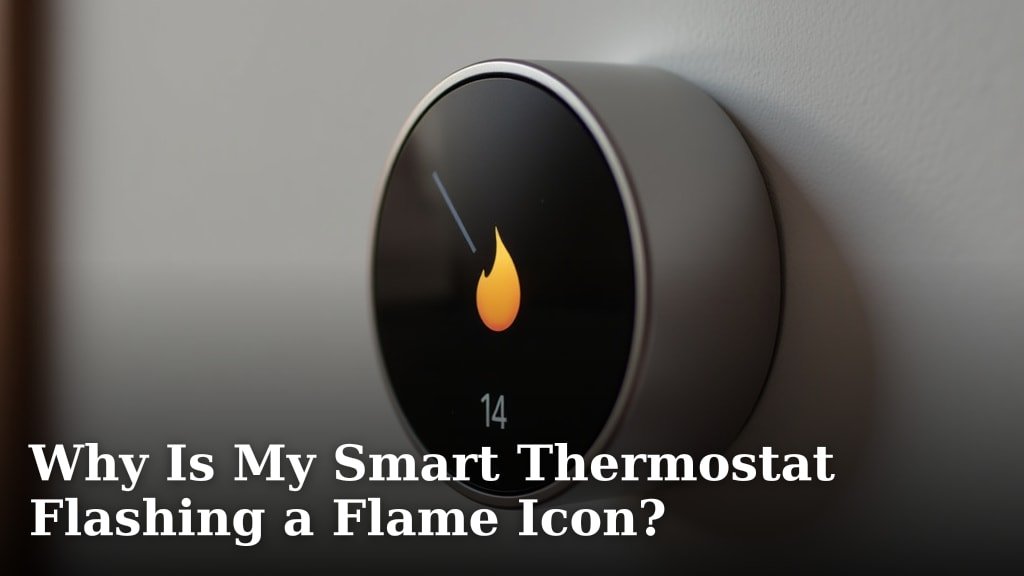
If the system runs but the thermostat's heating or cooling state is unclear, compare the behavior with a smart thermostat flashing a flame icon. For an AC that keeps running despite a controller command, read why a smart AC controller may not turn off the AC.
Which thermostat should you choose for a replacement?
Choose by system type and needed controls, not by the Comm Delay message alone. A replacement is appropriate only after you confirm it is compatible with the HVAC equipment and wiring.
Pick the Honeywell Home Economy Millivolt model for compatible millivolt heat-only systems that need a simple manual control. It isn't the choice for AC, line-voltage heating, or communicating equipment.
Pick the Honeywell TL7235A1003 for compatible 240-volt line-voltage heating, especially if an illuminated display and heating indicator are useful. It is not designed here as a central AC control.
Pick the White-Rodgers 90 Series Blue if you want a programmable touchscreen for a supported heating, cooling, or heat-pump system. Its stated compatibility excludes electric baseboard heat and some other systems, so confirm your exact setup first.
Skip all three if the equipment type is unknown or the thermostat communicates with proprietary HVAC controls. Get the system model and wiring identified before ordering, and use a smart thermostat wiring guide if you need help understanding common low-voltage terminals.
What mistakes make a delay harder to diagnose?
Repeatedly resetting the thermostat or cycling power can obscure what caused the message. Record the symptoms and follow the manual's wait instructions first.
Don't assume every delay has the same cause, or replace a thermostat before checking system compatibility. Also avoid opening HVAC equipment, bypassing safety controls, or moving wires based on color alone.
A simple record is useful: note the time the message appears, what happened just before it, whether cooling resumes, and any additional codes. Give that information to a technician if the issue continues.
How do you decide what to do next?
Wait through a documented compressor pause, seek qualified help for a persistent communication message, and replace a thermostat only when compatibility is confirmed. That is the safest decision path for an AC thermostat saying Comm Delay problem.
If cooling returns after the manual's stated delay and the message does not recur, monitor the next cycle. If the message continues or the system remains unresponsive, stop troubleshooting at the thermostat and arrange HVAC service.
For recurring smart thermostat delay messages, use our delay troubleshooting guide. A replacement can address a control mismatch, but it cannot repair an HVAC equipment or wiring fault.
Frequently asked questions
What does Comm Delay mean on an AC thermostat?
Comm Delay means the thermostat or HVAC equipment is waiting before continuing, but the cause depends on the model. It may refer to a communication exchange or a compressor protection pause.
Check the exact model manual, note whether cooling starts after the specified wait, and record any other message or code.
Is Comm Delay the same as compressor protection?
No. Compressor protection delays a restart after a recent shutdown or power interruption.
A communication delay points to an exchange of commands or status between communicating controls and equipment.
The display wording varies, so use the thermostat and HVAC manuals to identify what the message means on your system.
How long should an AC thermostat delay last?
There is no single delay time for every thermostat and air conditioner. A compressor pause may be expected after a cooling cycle or power interruption, while a persistent or recurring communication message needs more attention.
Follow the timing in your manuals.
Contact an HVAC technician if the system stays unavailable after the specified wait.
Should I reset my thermostat when it says Comm Delay?
Don't repeatedly reset the thermostat to clear Comm Delay. First check the model manual, confirm the display has power, and look for an accessible tripped HVAC breaker.
A reset may erase settings or interrupt diagnosis.
Use the manufacturer's reset steps only when they apply to your model and the manual recommends them.