How to Fix No Power Errors on Smart Thermostats
A smart thermostat with no power usually has a blown fuse, loose wiring, or dead batteries in the display unit. You can fix most no power errors on smart thermostats…


A smart thermostat with no power usually has a blown fuse, loose wiring, or dead batteries in the display unit. You can fix most no power errors on smart thermostats…

Updating your smart thermostat firmware typically requires opening the device’s app, going to settings, and selecting “firmware update” or “system update” when available. Most smart thermostats check for firmware updates…
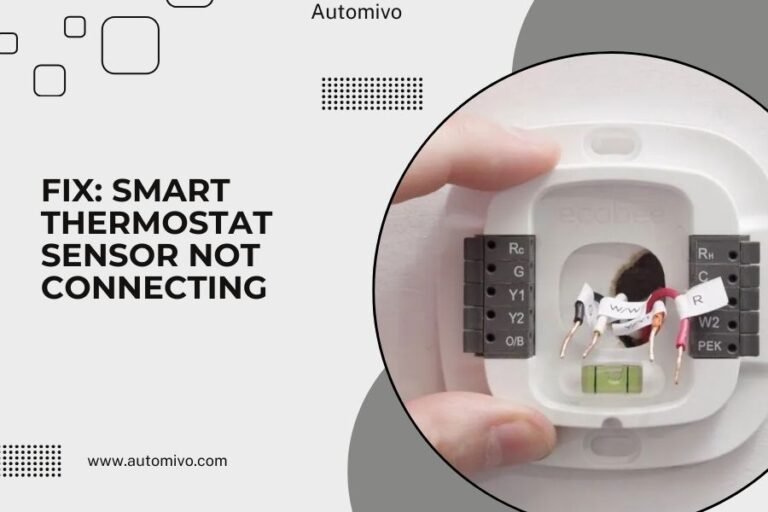
A smart thermostat sensor that won’t connect usually needs a simple reset, battery replacement, or network refresh to work properly again. Most sensor connection issues happen because of weak Wi-Fi…

Smart thermostat delay messages usually appear when your device needs time to connect to Wi-Fi, update software, or sync with your HVAC system after changes. You can fix most smart…

You can bypass a smart thermostat schedule by switching it to manual mode, turning off the scheduling feature in settings, or using temporary hold options that override programmed temperatures. Most…

A smart thermostat reading wrong temperature usually happens because of poor sensor placement, dust buildup, or calibration issues that affect its accuracy. You can fix most temperature reading problems by…

Geofencing not working on iPhone usually happens because location services are turned off or set incorrectly for specific apps. You can fix this by checking your location settings, updating iOS,…

Smart thermostat battery draining happens when WiFi connectivity issues, frequent temperature changes, or old batteries force your device to work harder than normal. Most battery drain problems get fixed by…

Most smart thermostats allow you to lock your screen through the device settings menu or companion mobile app to prevent unauthorized temperature changes. You can typically enable screen lock by…
Smart thermostat app syncing issues can be fixed by restarting both your thermostat and phone, checking your Wi-Fi connection, and updating the app to the latest version. Most syncing problems…