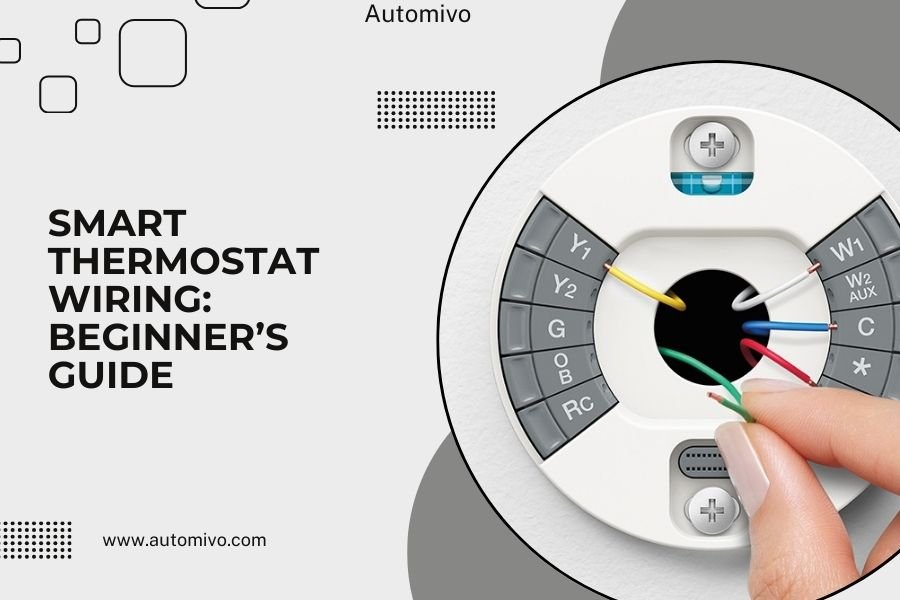
Smart thermostat wiring connects your new thermostat to your HVAC system using color-coded wires that control heating, cooling, and fan functions.
Most homes need 4-8 wires for basic smart thermostat installation, with red for power, white for heat, yellow for cooling, and green for the fan.
You’re staring at a tangle of colored wires behind your old thermostat. Don’t panic. Smart thermostat wiring looks scary, but it’s actually pretty straightforward once you know what each wire does.
Think of it like connecting a new phone charger. Each wire has a job, and your smart thermostat just needs to know which wire controls what. Let me walk you through this step by step.
What You Need Before Starting
Safety first. Turn off power to your HVAC system at the circuit breaker. I can’t stress this enough. You’re working with electrical connections here.
Grab your phone and take a photo of your current wiring setup. This picture will be your lifeline if something goes wrong. Trust me on this one.
You’ll need these tools:
- Screwdriver set
- Wire strippers
- Voltage tester
- Small flashlight
- Masking tape and pen
Understanding Thermostat Wire Colors
Each wire color has a standard function. Think of them as different lanes on a highway – each one carries a specific type of signal.
The Main Players
Red wire (R) brings power from your furnace. It’s like the main electrical line to your house. You’ll always need this one.
White wire (W) controls heating. When you want heat, this wire tells your furnace to fire up.
Yellow wire (Y) handles air conditioning. Hot summer day? This wire signals your AC to start cooling.
Green wire (G) controls the fan. Sometimes you just want air circulation without heating or cooling.
The Supporting Cast
Blue or black wire (C) provides constant power. Many smart thermostats need this “common” wire to stay powered 24/7.
Orange wire (O) works the heat pump. If you have a heat pump system, you’ll see this guy.
Brown wire controls emergency heat. This kicks in when your heat pump can’t keep up.
Does Your Home Have Enough Wires?
Count your wires. Most smart thermostats need at least four wires to work properly. Some need five or more.
Found only two wires? You probably have an older system. Many smart thermostats won’t work with just two wires.
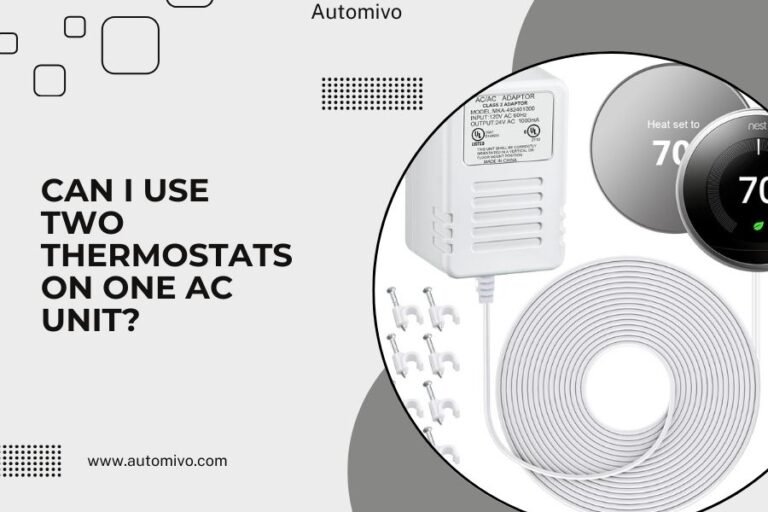
No C wire? Don’t give up yet. Some thermostats include a power adapter that solves this problem. Others can “steal” power from other wires.
Step-by-Step Wiring Process
Remove Your Old Thermostat
Pull off the front cover of your current thermostat. You’ll see wires connected to terminals with letters.
Before disconnecting anything, label each wire with tape. Write the letter of the terminal it’s connected to. This saves major headaches later.
Unscrew the wires from the terminals. Keep them separate so they don’t fall back into the wall.
Prepare Your New Smart Thermostat
Unbox your smart thermostat. Most come with a base plate that mounts to the wall and a separate display unit.
Look at the terminal labels on your new thermostat base. They should match the standard wire colors we talked about.
Connect the Wires
Start with the red wire. This goes to the R or Rc terminal. Some thermostats have separate Rc and Rh terminals for cooling and heating power.
Connect white to W (heating), yellow to Y (cooling), and green to G (fan). Match your labels to the new terminals.
If you have a C wire, connect it to the C terminal. No C wire? Check if your thermostat has alternative solutions.
Special Wiring Situations
Heat pump owners connect orange to O instead of yellow to Y. Your thermostat manual will have specific instructions for heat pumps.
Multiple heating stages? You might have W1 and W2 wires for different heating levels.
Testing Your Installation
Double-check every connection. Loose wires cause problems and can damage your equipment.
Turn the power back on at the circuit breaker. Your smart thermostat should power up and display something on the screen.
Test each function one by one. Try heating, cooling, and fan modes to make sure everything responds correctly.
Common Wiring Problems and Solutions
No Power to Thermostat
Check your R wire connection first. This wire brings power, so a loose connection here kills everything.
Missing C wire? Some thermostats include a power adapter kit. Others can work without one but might have shorter battery life.
Heating or Cooling Won’t Turn On
Verify your W and Y wire connections. These control your heating and cooling systems directly.
Check if you mixed up Rc and Rh connections. Some systems need power wires connected to specific terminals.
System Runs Constantly
Look at your G wire connection. A stuck or incorrectly wired fan control can cause continuous operation.
Review your thermostat settings. New smart thermostats have different default settings than old ones.
Smart Thermostat Compatibility Check
| System Type | Required Wires | Special Notes |
|---|---|---|
| Gas Furnace + AC | R, W, Y, G, C | Most common setup |
| Heat Pump | R, O, Y, G, C | Uses O instead of W |
| Electric Heat | R, W, G, C | No cooling wires needed |
| Boiler System | R, W, C | Usually no cooling |
When to Call a Professional
Some situations need expert help. High-voltage systems, complex zoning setups, or unusual wiring configurations can be tricky.
Found wires that don’t match standard colors? Call a professional. Non-standard wiring can damage your new thermostat.
Not comfortable working with electrical connections? There’s no shame in hiring someone. A professional installation usually costs $100-200 and includes testing.
Maintaining Your Smart Thermostat Wiring
Regular Checks
Look at your thermostat connections once a year. Loose connections can develop over time, especially in homes that settle.
Clean dust from around the thermostat base. Dust can interfere with electrical connections and cause problems.
Signs of Wiring Problems
Strange behavior like random temperature changes or systems that won’t respond can indicate wiring issues.
Error messages on your smart thermostat display often point to specific wiring problems. Check your manual for error code meanings.
Advanced Wiring Scenarios
Multi-Stage Systems
Some homes have multi-stage heating or cooling. These systems use additional wires like W2 for second-stage heating or Y2 for two-stage cooling.
Your smart thermostat needs to support multi-stage operation. Check compatibility before buying.
Zone Control Systems
Homes with multiple zones need special consideration. Each zone might have its own thermostat and wiring setup.
Zone systems often require professional installation because of the complex control panels involved.
Troubleshooting After Installation
Thermostat Display Issues
Dim or flickering displays usually mean power problems. Check your R and C wire connections first.
No display at all? Verify that power is on at the circuit breaker and all connections are tight.
Heating and Cooling Performance
Systems that start but don’t reach set temperatures might have airflow or equipment problems, not wiring issues.
Short cycling (starting and stopping quickly) can indicate incorrect wiring or thermostat settings.
Smart Features and Wiring Requirements
Different smart features need different wiring setups. Basic programmable functions work with standard wiring.
WiFi connectivity and mobile app control usually need a C wire for constant power. Battery-powered options exist but need regular charging.
Advanced features like learning algorithms, occupancy sensing, and integration with other smart home devices typically require stable power connections.
Conclusion
Smart thermostat wiring isn’t as complex as it looks. With the right preparation, basic tools, and patience, most homeowners can handle standard installations.
Remember to prioritize safety, take photos before you start, and don’t hesitate to call a professional for complex situations. Your smart thermostat will reward you with better comfort and energy savings for years to come.
The key is understanding what each wire does and matching it to your new thermostat’s requirements. Take your time, double-check connections, and test everything before calling the job complete.
Can I install a smart thermostat without a C wire?
Yes, some smart thermostats work without a C wire using power adapters or by drawing power from other wires. Others use rechargeable batteries that last several months between charges.
What happens if I connect wires to wrong terminals?
Wrong connections can damage your HVAC equipment or thermostat. Always match wire labels to terminal letters and consult your manual. When in doubt, take photos and double-check before applying power.
How do I know if my system is compatible with smart thermostats?
Most modern heating and cooling systems work with smart thermostats. Systems to avoid include some electric baseboard heaters, high-voltage systems, and very old furnaces without standard wiring.
Why does my smart thermostat keep losing power?
Power loss usually indicates loose wire connections or an inadequate power supply. Check that your R and C wires are secure and consider adding a C wire if your thermostat relies on battery power alone.
Can I use existing thermostat wires for my smart upgrade?
Most existing thermostat wires work fine for smart thermostats if you have enough wires and they’re in good condition. Count your wires and compare them to your new thermostat’s requirements before starting installation.