
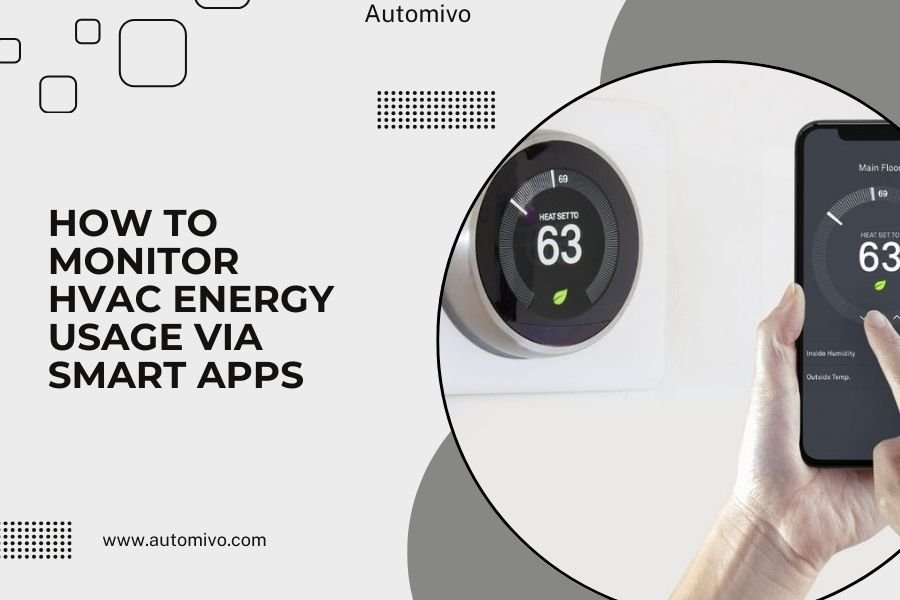
Smart apps help you monitor HVAC energy usage by connecting to smart thermostats or energy monitoring devices to track real-time consumption data.
You can see detailed energy reports, set usage alerts, and identify patterns to reduce your heating and cooling costs by up to 15%.
Why Track Your HVAC Energy Use?
Your heating and cooling system eats up about 50% of your home’s energy budget. That’s like throwing money out the window if you don’t know what’s happening.
Think about it – would you drive a car without a fuel gauge? Probably not. Yet most people run their HVAC systems blind.
Smart monitoring changes everything. You get clear data about when your system works hardest and costs the most.
Types of Smart Apps for HVAC Monitoring
Thermostat-Based Apps
These come built into your smart thermostat. Popular options include Nest, Ecobee, and Honeywell apps.
They track runtime hours, temperature changes, and basic energy estimates. Easy to set up since everything connects through your thermostat.
Nest Energy History
Shows daily and monthly usage patterns. You can see exactly when your system ran and for how long.
Ecobee Smart Reports
Gives you weekly emails with usage summaries. Includes tips for saving energy based on your specific patterns.
Whole-Home Energy Apps
These monitor your entire electrical panel. They break down usage by individual appliances, including HVAC.
Sense and Emporia Vue are two popular choices. They require professional installation but give you the most detailed data.
Real-Time Monitoring
You can watch your energy use change minute by minute. Perfect for testing different thermostat settings.
Device Detection
Smart apps learn to recognize your HVAC system’s energy signature. They’ll separate heating from cooling usage automatically.
Utility Company Apps
Many power companies now offer free energy monitoring through their mobile apps.
The data isn’t as detailed, but you get hourly usage reports. Some even show you how your usage compares to similar homes.
Setting Up HVAC Energy Monitoring
Choose Your Monitoring Method
Start with what you already have. If you own a smart thermostat, download its app first.
Want more detail? Consider a whole-home monitor. Need something free? Check your utility company’s app.
Smart Thermostat Setup
Download your thermostat’s app and create an account. Connect to your home Wi-Fi network.
Most apps walk you through a simple setup process. You’ll enter your home size and HVAC system type.
Whole-Home Monitor Installation
These devices attach to your electrical panel. You’ll need an electrician for safe installation.
Setup takes about an hour. The app starts showing data immediately, but device detection improves over a few weeks.
Calibrating Your System
Help your app learn your HVAC patterns. Run heating and cooling separately during setup.
Turn your heat on for 30 minutes, then off. Do the same with cooling. This teaches the app to recognize each system.
Setting Baseline Measurements
Run your system at normal settings for one week. This creates your usage baseline.
All future comparisons will use this week as a reference point.
Reading Your Energy Data
Understanding Usage Patterns
Look for daily peaks and valleys in your energy graph. Most homes see spikes in morning and evening.
Your HVAC works harder when you’re home and want comfort. It coasts when you’re away or sleeping.
Seasonal Trends
Summer cooling usually costs more than winter heating in most climates. But your home might be different.
Track both seasons to understand your true energy picture.
Spotting Energy Waste
Watch for unexpected usage spikes. Your system shouldn’t run constantly on mild days.
High usage during moderate weather often means your HVAC system needs maintenance or your home has air leaks.
Runtime Analysis
A well-sized system should cycle on and off regularly. Constant running suggests problems.
Short cycles (less than 10 minutes) also waste energy and point to sizing issues.
Using Data to Save Money
Smart Scheduling Wins
Your app shows when HVAC costs peak. Usually during extreme temperatures or high-demand hours.
Shift usage to cheaper times when possible. Pre-cool your home before peak hours start.
Temperature Setbacks
Data from the Department of Energy shows 7-10 degree setbacks save about 10% on energy bills.
Use your app to test different setback schedules. Find what works for your family’s comfort and budget.
Maintenance Timing
Rising energy usage often signals maintenance needs before you feel comfort problems.
Change filters when your app shows efficiency dropping. Schedule tune-ups when usage climbs unexpectedly.
Performance Tracking
Compare energy use before and after maintenance visits. Good service should reduce your usage.
Advanced Monitoring Features
Weather Integration
Smart apps compare your usage to outside temperature. This reveals how well your home holds comfortable temperatures.
Poor insulation shows up as high energy use during extreme weather.
Cost Tracking
Enter your electricity rates to see dollar costs instead of just energy numbers.
Many apps connect to time-of-use rates automatically. You’ll see exactly when energy costs the most.
Budget Alerts
Set monthly spending limits. Your app will warn you when HVAC costs approach your budget.
Home Comparison Data
Some apps show how your energy use compares to similar homes in your area.
This helps you understand if your usage is normal or if you have opportunities for improvement.
Troubleshooting Common Issues
Inaccurate Readings
Smart thermostats estimate energy use based on runtime. They’re not always precise.
Whole-home monitors measure actual electrical usage. They give more accurate HVAC energy numbers.
Calibration Problems
If your data looks wrong, check your system settings in the app. Wrong home size or system type throws off calculations.
Missing Data
Wi-Fi connection problems cause gaps in your energy tracking.
Place your router closer to your thermostat or add a Wi-Fi extender for better connectivity.
Making Smart Changes Based on Data
Quick Wins You Can Try Today
Adjust your schedule based on usage patterns. Most families can shift temperature settings by 30 minutes without noticing.
Test fan settings too. Auto mode usually saves more energy than constant fan operation.
Zoning Opportunities
If your app shows uneven usage patterns, consider smart vents or zoning systems.
Heat and cool only the rooms you’re using instead of the whole house.
Long-term Improvements
Use your data to plan bigger upgrades. High summer usage might justify better insulation.
Constant winter running could mean it’s time for a more efficient heating system.
| Usage Pattern | Likely Cause | Best Solution |
|---|---|---|
| High usage on mild days | Air leaks or poor insulation | Seal gaps, add insulation |
| Constant running | Undersized system or dirty filters | Maintenance or system upgrade |
| Short cycles | Oversized system | Variable speed equipment |
| Evening spikes | Normal family patterns | Smart scheduling |
Conclusion
Smart apps transform HVAC energy monitoring from guesswork into clear, actionable data. You can finally see where your heating and cooling dollars go and make informed decisions to reduce costs.
Start with your existing smart thermostat app or download your utility company’s energy tracking tool. Even basic monitoring reveals opportunities to save 10-15% on your energy bills without sacrificing comfort.
The key is using your data consistently. Check your app weekly, adjust settings based on patterns, and watch for changes that signal maintenance needs. Your wallet and your comfort will thank you.
How accurate are smart thermostat energy estimates?
Smart thermostats estimate energy use within 10-20% accuracy. They calculate based on runtime and system specifications, but actual consumption varies by system efficiency and home conditions. Whole-home monitors provide more precise measurements.
Can I monitor HVAC energy use without a smart thermostat?
Yes, whole-home energy monitors like Sense or Emporia Vue track HVAC usage through your electrical panel. Many utility companies also offer free energy monitoring apps that show hourly usage patterns for your entire home.
What’s normal HVAC energy consumption for a typical home?
HVAC systems typically account for 40-60% of home energy use, varying by climate, home size, and insulation quality. A 2,000 square foot home might use 800-1,200 kWh monthly during peak heating or cooling seasons.
How often should I check my HVAC energy monitoring app?
Review your energy data weekly to spot trends and monthly to identify larger patterns. Check daily only when testing new settings or troubleshooting problems. Too much monitoring can lead to unnecessary adjustments.
Do smart HVAC monitoring apps work with all heating and cooling systems?
Most apps work with central air conditioning and forced-air heating systems. Heat pumps, radiant heating, and mini-split systems may have limited compatibility. Check your specific system requirements before choosing a monitoring solution.
