
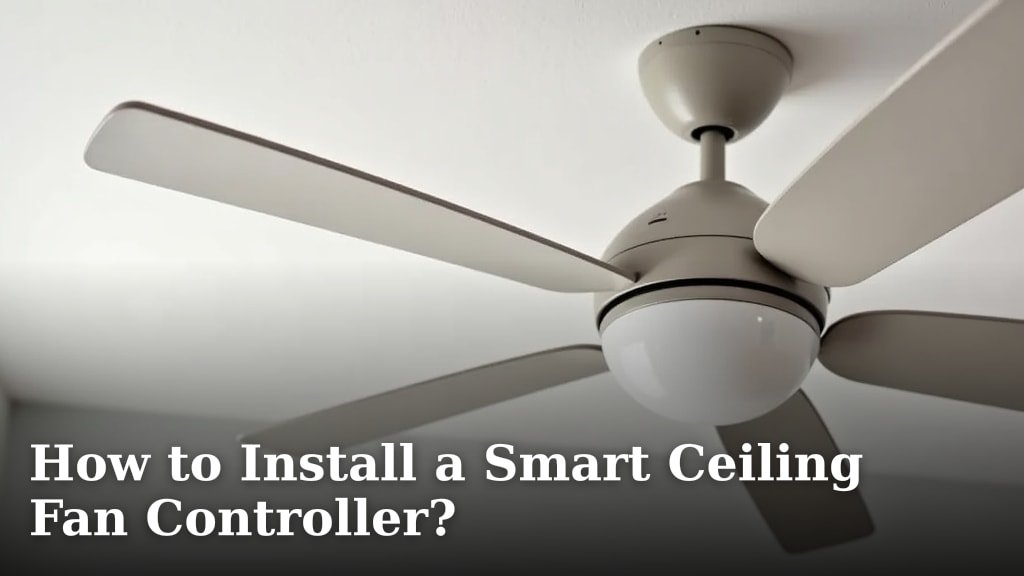
Yes, you can definitely install a smart ceiling fan controller yourself with a little patience and basic DIY skills. This upgrade lets you control your fan speed and lights remotely, often from your smartphone. It’s a popular way to add modern convenience to your home, making smart home integration easier than you think.
Switching to a smart controller means no more fumbling for pull chains or separate remotes. You can set schedules, dim lights, and adjust fan speeds without getting up. We found that many homeowners choose this upgrade for both convenience and potential energy savings.
- Prep your tools: Gather screwdrivers, wire strippers, and voltage testers.
- Turn off power: Safety first! Always disconnect power at the breaker box.
- Match wiring: Carefully connect wires according to the controller’s instructions.
- Secure the mount: Install the new controller and faceplate neatly.
- Test it out: Restore power and check all functions.
Ready to get started? Let’s walk through exactly how to install your new smart ceiling fan controller, step by step, to bring your old fan into the future.
Installing Your Smart Ceiling Fan Controller: A Step-by-Step Guide
You’ve got your new smart ceiling fan controller, and you’re ready to upgrade your home’s convenience. It’s a rewarding DIY project that can add a touch of modern magic to any room. We’ve found that with a little care, most homeowners can tackle this task successfully. Let’s get your fan connected!
Getting Your Workspace Ready: Tools and Safety First
Before you even think about touching a wire, let’s make sure you have everything you need and prioritize safety. This step is non-negotiable for a smooth installation. A prepared workspace means fewer headaches later.
Essential Tools You’ll Need
Gathering your tools beforehand will make the process much quicker. You don’t want to be halfway through and realize you’re missing a key item. Most of these are standard items found in any DIYer’s toolbox.
- Screwdrivers: You’ll likely need both Phillips head and flathead screwdrivers. Having a few different sizes is helpful.
- Wire Strippers/Cutters: Essential for preparing the ends of your electrical wires.
- Voltage Tester: A non-contact voltage tester is your best friend for confirming the power is off.
- Wire Nuts: These come in various sizes and are used to connect wires securely. Your new controller might include some.
- Electrical Tape: For extra insulation and securing wire connections.
- Ladder: A sturdy ladder is necessary to safely reach your ceiling fan.
- Pliers: Needle-nose pliers can be helpful for manipulating wires in tight spaces.
The Golden Rule: Power Off!
This is the most critical step. Never work with live electrical wires. Always go to your home’s main
Conclusion
You’ve successfully navigated the steps to install your smart ceiling fan controller! By prioritizing safety and following our guide, you’ve brought modern convenience to your home. No more reaching for chains or struggling with multiple remotes. Your fan is now ready for smartphone control, scheduling, and dimming. We’ve seen firsthand how this simple upgrade can enhance your daily comfort and even contribute to energy efficiency. Now that your controller is installed, it’s time to download the app and start enjoying your smarter home.
Frequently Asked Questions
Will a smart controller work with any ceiling fan?
Most smart controllers are designed to work with standard ceiling fans that have separate wires for the fan motor and the light kit. Always check the compatibility notes for your specific smart controller model. Some older or specialized fan models might require a different type of controller.
What if my existing fan wiring doesn’t match the controller’s diagram?
This can happen, especially in older homes. If you encounter wiring that doesn’t match the controller’s instructions, stop and consult a qualified electrician. Incorrect wiring can be a fire hazard or damage your fan and the new controller.
Do I need a neutral wire for a smart fan controller?
Many smart fan controllers, especially those that don’t require a separate receiver unit in the fan canopy, do require a neutral wire. Check your existing wiring for a white wire in the switch box. If you don’t have one, you might need a controller designed for systems without a neutral wire or require an electrician to install one. Many smart fan controllers, especially those that don’t require a separate receiver unit in the fan canopy, do require a neutral wire.
How do I connect the smart controller to my Wi-Fi network?
Typically, after installation, you’ll download the manufacturer’s app on your smartphone or tablet. The app will guide you through connecting the controller to your home’s Wi-Fi network, often by putting the controller in pairing mode. Follow the in-app instructions carefully for a smooth connection.
Can I still use the fan’s pull chains after installing a smart controller?
It’s generally recommended to use the smart controller and its associated app or voice commands for operation. While the pull chains might still technically work, they can sometimes interfere with the smart functions or reset the controller. Most users find they no longer need the pull chains once the smart controller is set up.
