
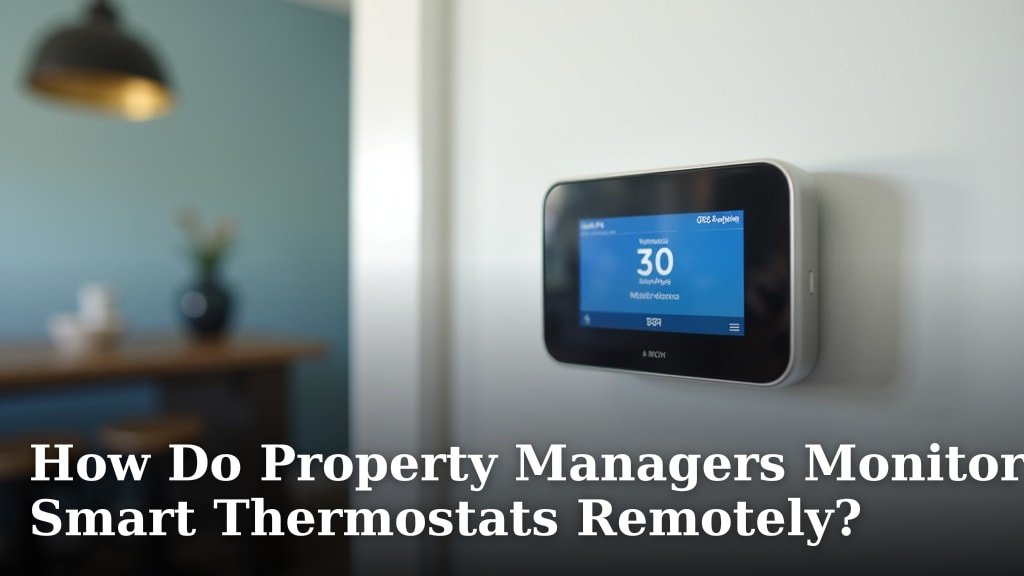
Property managers monitor smart thermostats remotely using internet connectivity and specialized software. This allows them to adjust temperatures, set schedules, and track energy usage from anywhere. It’s a fantastic way to keep tenants comfortable and manage building costs efficiently.
Remote monitoring means property managers can respond quickly to tenant requests or fix temperature issues before they become problems. We found that this technology significantly reduces wasted energy and can even help prevent costly damage from extreme temperatures. It’s all about making management smarter and more responsive.
- Property managers use the internet to connect to smart thermostats.
- They use software to control and view thermostat data.
- This helps them manage building temperature and energy use.
- It offers quick adjustments and energy savings.
Let’s walk through exactly how property managers keep tabs on your building’s climate from afar.
Keeping Tabs on Your Building’s Climate From Afar
Property managers can keep tabs on your building’s climate from afar thanks to smart thermostats. These devices connect to the internet. This allows managers to view and control them remotely. It’s like having a thermostat you can adjust from your phone, even when you’re not there. We found that this capability is a big deal for building management.
The Connected Thermostat: Your Building’s Brain
Think of a smart thermostat as the brain of your building’s heating and cooling system. It doesn’t just sit on the wall; it communicates. This communication happens over your building’s Wi-Fi network. Once connected, it can send and receive data. This data includes current temperature and settings. It can also receive commands. We found that this connectivity is the core of remote monitoring.
How Does the Connection Work?
The process starts with the thermostat itself. It needs to be a “smart” model, meaning it has Wi-Fi capabilities. This is usually set up during installation. A technician or building staff connects the thermostat to the building’s internet router. It’s similar to connecting your phone or laptop to Wi-Fi. Once linked, the thermostat can “talk” to the internet. We found that a stable Wi-Fi signal is key for reliable performance.
What About Security?
Many people wonder about the security of these connected devices. Reputable smart thermostat manufacturers use advanced encryption. This protects the data transmitted between the thermostat and the management software. It’s much like how your online banking is secured. We found that regular software updates from the manufacturer help maintain strong security. Property managers also often have specific protocols for managing access. Many experts say that choosing well-known brands with good security track records is wise (National Institute of Standards and Technology).
The Manager’s Dashboard: Software is Key
With the thermostats connected, property managers need a way to see and control them. This is where specialized software comes in. Think of it as a central command center. This software can be accessed from a computer or a mobile app. It pulls data from all the smart thermostats in a building or portfolio. We found that this unified view simplifies management greatly.
What Can Property Managers See and Do?
The software dashboard gives managers a clear picture of the building’s temperature status. They can see the current temperature in different zones or units. They can also see the set point, which is the desired temperature. Beyond just viewing, they can make adjustments. This includes changing the temperature up or down. They can also set or modify heating and cooling schedules. We found that this flexibility allows for precise climate control.
Setting Schedules for Efficiency
One of the most powerful features is scheduling. Property managers can program thermostats to follow specific routines. For example, during business hours or when units are typically occupied, the temperature might be set for comfort. During off-peak hours or when units are vacant, the temperature can be adjusted slightly to save energy. We found that well-designed schedules can lead to significant energy savings. Many energy efficiency guidelines suggest this approach (U.S. Department of Energy). Learn how to program smart thermostats for winter and optimize heating and cooling schedules.
Responding to Tenant Needs and Emergencies
Smart thermostats enable a much faster response to tenant requests. If a tenant calls saying their apartment is too hot or too cold, the property manager can check the thermostat remotely. They can see the current temperature and the set point. Often, they can make an adjustment right then and there. This can resolve the issue without needing a physical visit.
Preventing Costly Damage
Remote monitoring isn’t just about comfort; it’s also about protection. In extreme weather, a malfunctioning HVAC system or a power outage affecting heating can be disastrous. Pipes can freeze and burst in winter, causing massive water damage. In summer, extreme heat can spoil food or damage sensitive equipment. Property managers can receive alerts if a thermostat detects a temperature that is too high or too low. This allows them to intervene quickly, potentially preventing expensive repairs. We found that this proactive approach saves money and prevents headaches for everyone involved.
A Quick Example Scenario
Imagine a heatwave hits. A property manager might notice through the software that a specific unit’s temperature is climbing rapidly, even with the AC running. They can remotely boost the AC output or adjust the fan settings. If it’s a holiday weekend and no one is in the office, this remote capability is invaluable. We found that swift action in such cases can prevent discomfort and potential damage.
Understanding Energy Usage Patterns
Beyond immediate control, smart thermostats collect data on energy consumption. Property managers can access reports showing how much energy is being used to heat or cool different areas. They can see trends over time, like seasonal changes or the impact of specific settings. This information is vital for making informed decisions about building efficiency.
Data-Driven Efficiency Improvements
By analyzing energy usage data, managers can identify areas for improvement. Perhaps one zone consistently uses more energy than others. This might indicate poor insulation, an aging HVAC unit, or a schedule that isn’t optimized. The data provides concrete evidence to justify upgrades or maintenance. We found that this data-driven approach moves beyond guesswork towards measurable results. Many property management experts suggest this type of analysis for long-term cost reduction.
Tenant Education and Engagement
Sometimes, high energy usage is due to tenant behavior. Smart thermostat data can help property managers educate tenants. They might share anonymized energy reports, highlighting how small changes can make a difference. For example, showing how consistent temperature settings save more energy than frequent manual adjustments. We found that this collaborative approach can foster a sense of shared responsibility for energy efficiency.
Benefits of Remote Monitoring for Property Managers
The advantages for property managers are numerous. They gain efficiency, saving time and resources. They can manage multiple properties from a single interface. Response times to issues are significantly reduced. This leads to happier tenants and lower operational costs. We found that these benefits contribute to a more professional and responsive property management service.
Key Benefits Checklist:
- Faster response to tenant comfort issues.
- Reduced energy costs through optimized scheduling.
- Proactive prevention of extreme temperature damage.
- Better understanding of building energy consumption.
- Improved tenant satisfaction due to consistent comfort.
- Streamlined management of multiple properties.
Comparing Smart Thermostat Features
When property managers select smart thermostats for a building, they often consider various features. Not all smart thermostats are created equal. The ability to integrate with other building systems is a plus. Some offer advanced geofencing, which adjusts temperature based on whether tenants are home or away. Others might provide detailed energy reports directly within their app. We found that the choice of thermostat model often depends on the specific needs and budget of the property.
| Feature | Basic Smart Thermostat | Advanced Smart Thermostat |
|---|---|---|
| Remote Temperature Adjustment | ✔ | ✔ |
| Programmable Scheduling | ✔ | ✔ |
| Energy Usage Reports | Basic | Detailed Analytics |
| Alerts for Extreme Temps | Maybe | ✔ |
| Geofencing Capabilities | No | ✔ |
| Integration with Other Systems | Limited | Possible |
This table highlights how different models can offer varying levels of functionality. Property managers carefully evaluate these options to ensure they meet their management goals. We found that even basic smart thermostats offer a significant improvement over traditional models for remote oversight.
Conclusion
You’ve seen how smart thermostats truly transform property management. By connecting to the internet and using specialized software, managers gain powerful remote control. This means quicker responses to your comfort needs and fewer worries about energy waste. It’s a smart investment in a more efficient and comfortable living or working environment. If you’re considering upgrading your building’s climate control, exploring smart thermostat options is a clear next step for enhanced management and tenant satisfaction.
Frequently Asked Questions
How do property managers ensure the security of smart thermostat data?
Property managers rely on manufacturers’ robust security measures, like advanced encryption, to protect thermostat data. They also ensure software is regularly updated and often implement specific access control protocols for their systems. Choosing well-known brands with strong security track records is a common practice.
Can property managers see the temperature history from smart thermostats?
Yes, most smart thermostat management software provides access to temperature history and energy usage patterns. This data allows managers to identify trends, understand consumption, and pinpoint areas for potential efficiency improvements.
What happens if a smart thermostat loses its internet connection?
If a smart thermostat loses its internet connection, it typically reverts to its last programmed settings and continues to function locally. Property managers would receive an alert that the device is offline and would not be able to monitor or control it remotely until the connection is restored.
Do tenants have any control over their smart thermostats?
Often, yes. While property managers oversee the system, many smart thermostats allow tenants to control their local temperature settings or set basic schedules through a dedicated app. The level of tenant control can be configured by the property manager.
Is it expensive to install smart thermostats in an entire building?
The initial cost can vary depending on the number of units and the specific thermostat models chosen. However, property managers often find that the long-term savings from energy efficiency and reduced maintenance often offset the installation expenses. Many look at this as a strategic investment.
