
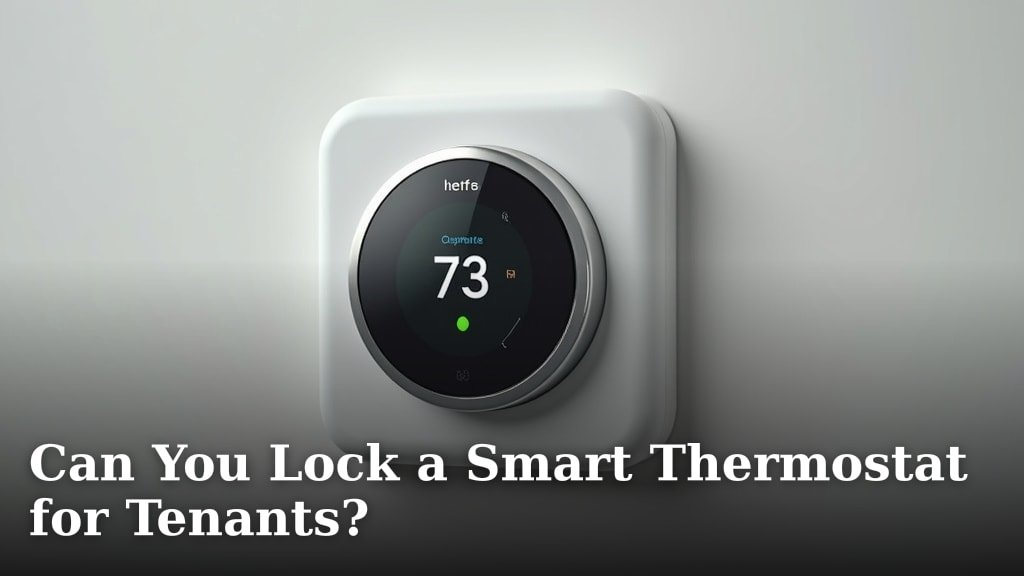
Yes, you can often lock a smart thermostat for tenants, and it’s a smart move for landlords. Many smart thermostats allow you to set temperature limits or lock certain settings remotely. This helps prevent excessive energy bills and ensures your property stays comfortable. It’s about finding a balance between tenant comfort and responsible energy use.
Smart thermostats offer landlords greater control over energy consumption. They provide features that can protect your investment by avoiding unnecessary wear and tear on HVAC systems. Many models are designed with rental situations in mind, offering security and peace of mind. You can manage settings without needing to visit the property.
- Landlords can often set temperature limits.
- Remote access helps manage energy use.
- Smart thermostats can prevent high utility bills.
- They offer a way to protect your HVAC system.
- This feature is useful for managing multiple rental properties.
Below, we break down exactly how you can set up and manage a smart thermostat for your tenants, along with what to consider before you do.
Managing Your Rental Thermostat: Setting Limits for Tenants
As a landlord, you’re probably wondering if you can, or even should, control the thermostat for your tenants. The good news is, yes, you absolutely can take the reins on thermostat settings with smart technology. It’s a great way to balance tenant comfort with your own peace of mind about energy costs. Let’s explore how this works and what you need to know.
How Smart Thermostats Give Landlords Control
Smart thermostats are designed with connectivity in mind. They often connect to your home’s Wi-Fi network. This connection is what allows for remote access and control. Think of it like having a remote for your property’s heating and cooling system. This ability to manage settings from afar is a real game-changer for landlords.
Many smart thermostats offer specific features for renters. They understand that landlords need a way to manage energy use. You can often install these devices yourself or have a professional do it. Once set up, you can control them from your smartphone, tablet, or computer. This means no more surprise visits to adjust the temperature!
Understanding Remote Access Features
The core benefit for you is remote access. Through a dedicated app, you can view current temperatures, adjust schedules, and even lock certain settings. This level of control is invaluable for preventing issues before they arise. You can monitor usage patterns and catch any anomalies quickly.
For instance, if you’re managing multiple properties, this feature becomes even more powerful. You can oversee all your rental units from one place. It simplifies management significantly. You’re not just reacting to problems; you’re preventing them. This technology puts you in the driver’s seat of your property’s climate control.
Setting Temperature Limits: Your Safety Net
One of the most sought-after features is the ability to set temperature limits. This means you can define a minimum and maximum temperature that the thermostat will not go below or above. For example, you might set the limit so the heat won’t go below 65°F in the winter and the air conditioning won’t go above 78°F in the summer.
Why is this so important? It acts as a financial safeguard. Without limits, a tenant might crank the heat up to 85°F or leave the AC blasting at 60°F. This can lead to sky-high utility bills, which often fall on the landlord if the lease agreement states utilities are included. By setting limits, you prevent excessive energy bills. It’s a responsible way to manage costs.
How Temperature Limits Work in Practice
Imagine a tenant is concerned about being too cold. Instead of turning the thermostat up to an extreme setting, they can set it to their desired comfort level within your pre-approved range. If they try to set it outside these limits, the thermostat simply won’t accept the change. The app will alert you if these limits are frequently being tested, too.
This feature is also excellent for protecting your HVAC system. Extreme temperature fluctuations put a lot of stress on heating and cooling equipment. Running these systems at their peak capacity for extended periods can shorten their lifespan. By keeping temperatures within a reasonable range, you help preserve your equipment, saving you money on repairs and replacements down the line.
Locking Specific Thermostat Settings
Beyond just temperature limits, many smart thermostats allow you to lock specific settings. This means you can prevent tenants from changing the mode (heat, cool, auto, off), the fan settings, or even disabling the schedule altogether. This is particularly useful if you have a set schedule you want to maintain for optimal energy efficiency.
When you lock certain settings, the tenant can still adjust the temperature within your defined limits. They retain a degree of comfort control. However, they can’t make drastic changes that could impact your utility costs or equipment. It’s a precise way to manage the system without completely removing tenant agency.
Examples of Lockable Settings
What exactly can you lock down? Common options include:
- Mode Selection: Prevent switching from ‘Heat’ to ‘Cool’ or vice versa outside of appropriate seasons.
- Fan Control: Keep the fan on ‘Auto’ to save energy, rather than ‘On’ constantly.
- Schedule Overrides: Ensure temporary changes don’t become permanent schedule disruptions.
- System Reset: Prevent a tenant from factory resetting the thermostat, which would erase all your settings.
This granular control ensures that the thermostat operates as you intend it to, providing a consistent and efficient environment.
Choosing the Right Smart Thermostat for Your Rental
Not all smart thermostats are created equal when it comes to landlord-specific features. When you’re shopping, look for models that explicitly mention remote management and access control for multiple users or for rentals. Brands like Nest, ecobee, and Honeywell all offer devices with varying levels of control.
Consider the ease of installation and setup. Some models are DIY-friendly, while others might require professional installation. Think about the user interface, both on the device and in the app. You want something intuitive for yourself and, ideally, for your tenants if they have any limited interaction with it.
Key Features to Look For
When comparing different smart thermostats, keep these features in mind:
- Remote Access: Can you control it from your phone anywhere?
- Programmable Schedules: Can you set up daily or weekly heating/cooling cycles?
- Geofencing: Does it adjust temperature based on whether someone is home?
- Energy Usage Reports: Does it provide detailed information on how energy is being used?
- User Management: Can you grant or revoke access to different users?
- Auto-Away/Home Detection: Does it automatically sense if the home is empty to save energy?
These features add layers of efficiency and control that benefit you as the property owner.
Installation and Tenant Communication
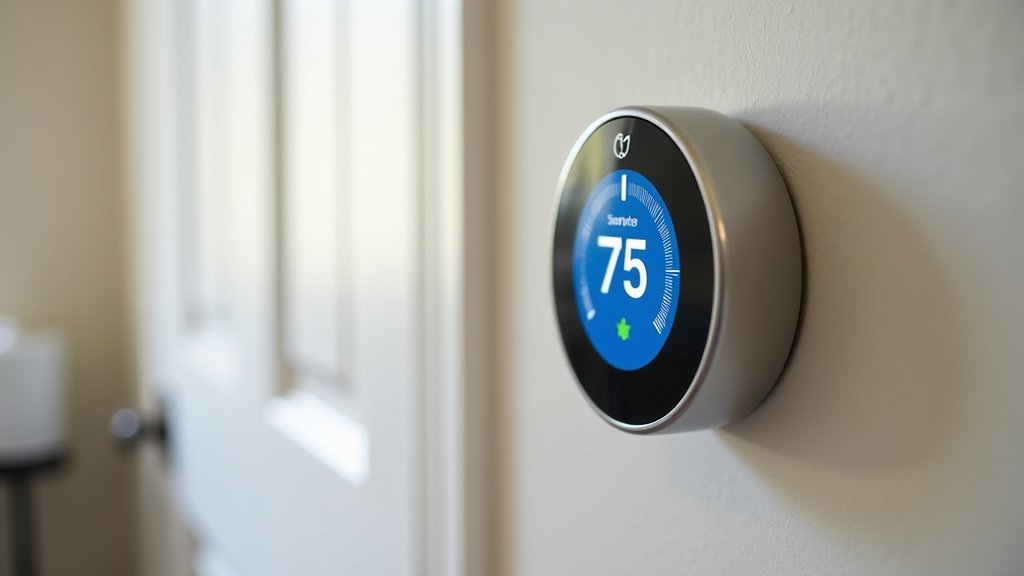
Before installing any smart thermostat, it’s wise to check your lease agreement. Some leases may require tenant consent for such installations. Transparency is key. When you install a smart thermostat, explain its benefits to your tenant. Frame it as a way to ensure consistent comfort and prevent unexpected utility costs for everyone involved.
Clearly communicate which settings you control and which settings they can adjust within the established limits. Provide them with the necessary information to use the thermostat comfortably. A well-informed tenant is more likely to be cooperative. Think of it as a partnership for a comfortable and energy-efficient home.
Best Practices for Landlord Thermostat Management
Once your smart thermostat is installed and configured, there are a few best practices to follow. Sticking to these will ensure a smooth experience for both you and your tenants.
First, establish reasonable temperature ranges. Your goal is to save energy, not to make your tenants uncomfortable. Research recommended temperature settings for energy efficiency. For example, the U.S. Department of Energy suggests setting your thermostat to 7°F colder in the winter and 7°F warmer in the summer than your normal setting when you’re away from home or sleeping (U.S. Department of Energy). Adapting this to a rental means finding a balance that works for occupants during occupied hours.
Creating a Balanced Schedule
A well-designed schedule is crucial. You want to avoid constant heating or cooling. During colder months, you might set a schedule that slightly lowers the temperature overnight or when the property is typically unoccupied. In warmer months, you’d do the opposite, raising the temperature when it’s cooler outside and people are generally sleeping.
Most smart thermostats allow for easy schedule adjustments. You can often create different schedules for weekdays and weekends. Consider the tenant’s typical work or school schedule if you have that information. The aim is to optimize comfort when needed and save energy when not. This approach can lead to substantial savings over time.
Monitoring and Maintenance Checklist
Regularly check your smart thermostat’s app for energy usage reports and any alerts. This allows you to catch potential issues early. It also helps you understand how the settings are performing and if any adjustments are needed.
Here’s a quick checklist:
- Check App Weekly: Review energy reports and system status.
- Confirm Schedule: Ensure the programmed schedule is still appropriate.
- Battery Check: If your model uses batteries, monitor their levels.
- Firmware Updates: Keep the thermostat’s software up-to-date for security and features.
- Tenant Feedback: Periodically check in with tenants about comfort levels.
This routine helps ensure everything runs smoothly and keeps your investment in good shape.
Conclusion
You now have the knowledge to effectively manage your rental property’s climate control with smart thermostats. We’ve shown how features like temperature limits and remote access can prevent high energy bills and protect your HVAC system. By choosing the right device and communicating clearly with your tenants, you strike a balance between comfort and cost-effectiveness. Take the next step by researching smart thermostat models that offer these landlord-friendly features and plan your installation. This smart investment will bring you peace of mind and potential savings.
Frequently Asked Questions
What if a tenant wants to override the temperature limits I set?
If a tenant tries to adjust the temperature beyond your set limits, the thermostat will simply not allow the change. Most smart thermostats will alert you via the app if these limits are being frequently tested. This allows you to address the situation directly with your tenant.
Can tenants still control the temperature at all if I lock settings?
Yes, they typically can. When you set temperature limits, tenants can usually adjust the thermostat within that pre-defined range. They can still make small changes to personalize their comfort without impacting overall energy costs or system strain.
How do I choose a smart thermostat that’s best for rentals?
Look for models that specifically mention remote management and user access control for landlords. Brands like Nest, ecobee, and Honeywell often have features designed for this purpose. Check their specifications for features like temperature limiting and remote scheduling.
Do I need tenant permission to install a smart thermostat?
It’s a good idea to check your lease agreement and local regulations. Many landlords find it best to be transparent and obtain tenant consent. Explaining the benefits, like consistent comfort and predictable utility costs, can help gain their cooperation.
What happens if the Wi-Fi goes out? Can I still control the thermostat?
If your Wi-Fi connection is lost, the smart thermostat will likely revert to its last programmed settings or allow manual control directly on the device. Once the Wi-Fi is restored, you should regain remote access and control. Your programmed schedule will usually continue to run.
