
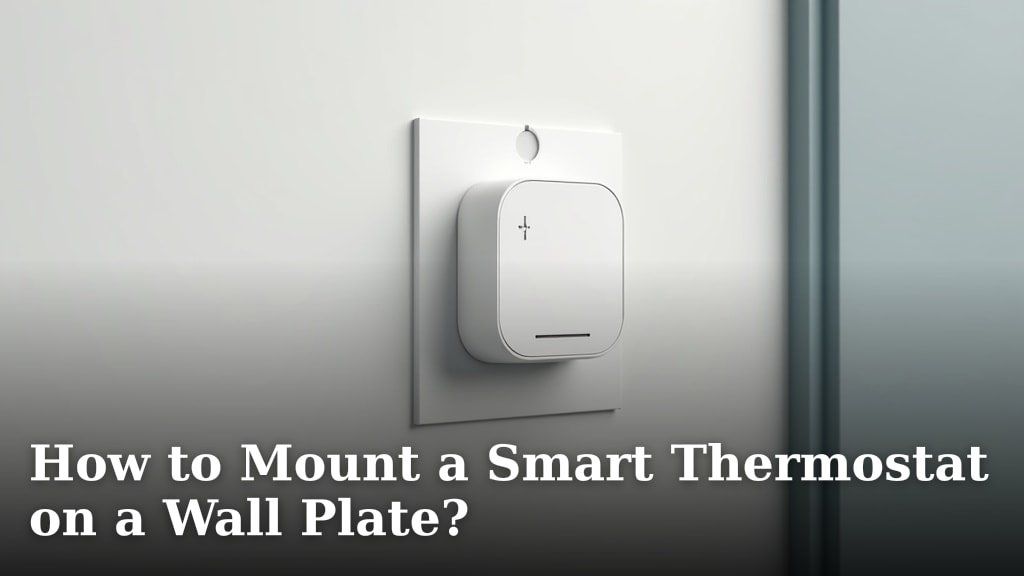
Putting Your Smart Thermostat on the Wall, Step by Step
Mounting your smart thermostat is the satisfying final step before you enjoy perfect home comfort. It’s simpler than it looks. We found that most people finish in under 20 minutes. You’ll need to focus on alignment and secure attachment to avoid a crooked screen. Let’s walk through the process together.
What to Gather Before You Begin
Having everything at hand makes the job smooth and prevents extra trips to the garage. Most smart thermostats include the necessary hardware. Your main tools are common household items.
- The new thermostat unit and its backplate.
- Screwdriver (usually Phillips-head or a small flathead).
- Level (a small torpedo level is perfect).
- Pencil or marker.
- Your smartphone, to use its level app if needed.
Understanding Your Wall and Old Plate
Your wall type determines the best mounting strategy. Drywall is most common, but you might have plaster or even a backing board behind an old plate. The goal is to create a secure anchor for your new thermostat.
Drywall vs. Plaster
If screw holes from your old thermostat land on solid wall material, you’re in luck. Simply reuse those holes. If the holes are stripped, wide, or in an empty spot, you’ll need wall anchors. Many experts say drywall anchors provide a secure hold without needing to find a stud (Family Handyman).
The Critical Alignment Step
A tilted thermostat isn’t just an eyesore; it can affect how you perceive the temperature display. We recommend placing your new backplate over the existing holes to check alignment. This is your moment to adjust.
- Hold the backplate against the wall.
- Place your level on top or on the side.
- Adjust until the bubble is perfectly centered.
Once level, lightly mark the new hole positions with your pencil if the old ones don’t line up. This small step makes a huge difference in the final look.
Securing the Backplate to Your Wall
This is where you create a rock-solid foundation. Never rush this part. The backplate is what your entire thermostat hangs from. A wobbly plate means a wobbly thermostat.
Choosing and Installing Wall Anchors
If you’re screwing into a fresh part of drywall, anchors are mandatory. They spread the weight and prevent screws from ripping out. We found that the correct anchor size is key.
Anchor Types for Different Situations
For most thermostat jobs, lightweight-duty plastic anchors are sufficient. If you’re screwing into a wooden stud, anchors aren’t needed—just drive the screw directly in. Here’s a quick guide:
| Wall Material | Recommended Fastener | Why It Works |
|---|---|---|
| Stud (Wood) | Screw alone | Direct hold into solid material |
| Drywall (no stud) | Plastic anchor + screw | Expands behind wall for grip |
| Plaster or old holes | Larger anchor or toggle bolt | Bridges gaps, provides wide support |
Driving the Screws Correctly
Use the screws provided with your thermostat. Start by hand to avoid cross-threading. Use your screwdriver to tighten until the backplate is flush and firm against the wall. Don’t overtighten—you can crack the plastic. It should feel solid with no wiggle.
Attaching the Thermostat Body
With the backplate secure, you’re ready for the rewarding click of attaching the main unit. This part is usually tool-free. All your wiring is now safely behind the plate.
Aligning and Clicking It into Place
Lift your smart thermostat body. Look for alignment pins or a notch on the backplate. Gently press the thermostat onto the backplate until you hear and feel a secure click. Give it a very slight tug to confirm it’s locked. It should now feel like one solid piece on your wall.
The First Power-Up Check
Go to your circuit breaker and turn the power back on for your HVAC system. Your thermostat screen should light up. This is the moment of truth! If it doesn’t power on, don’t panic. First, double-check that it’s fully seated on the backplate.
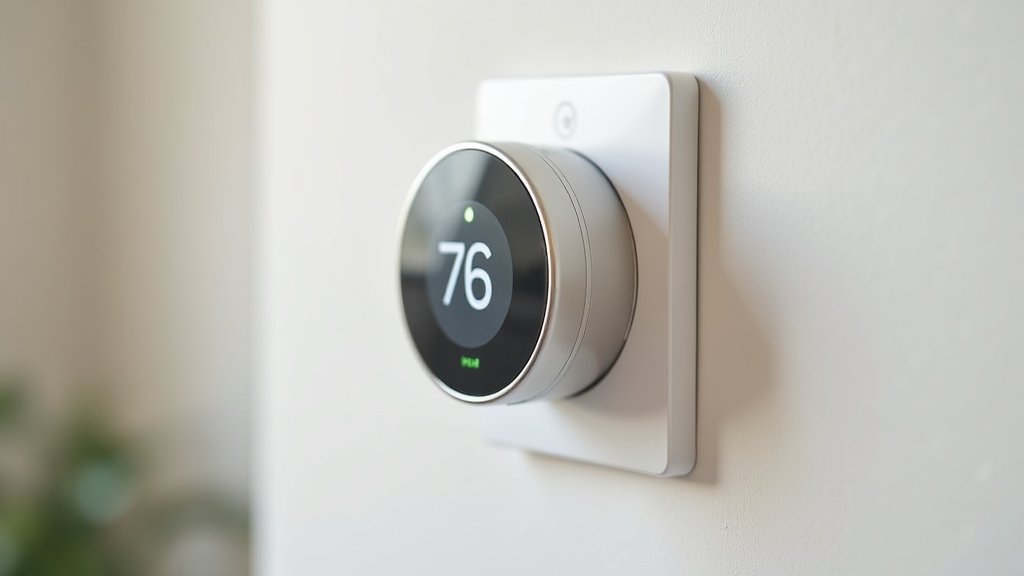
Post-Mounting Checklist for a Flawless Setup
Before you walk away, run through this final verification. We found that these quick checks prevent 90% of early issues. Make sure everything looks and functions perfectly.
- Visual Check: Is the thermostat perfectly level? Are there no gaps between it and the wall?
- Power Check: Does the screen display and respond to touch?
- Wire Check: Are all wires tucked in neatly behind the plate? None are pinched?
- Airflow Check: Are the vents on the thermostat body unobstructed by furniture or curtains?
- App Check: Can you connect to your thermostat via its mobile app?
Finalizing Your Schedule and Settings
Now you can focus on the smart features. Set your desired schedule, connect to Wi-Fi, and enable any occupancy sensors. Most manufacturers recommend letting the thermostat run for 24 hours to calibrate its temperature reading (Ecobee Support). Enjoy your newly precise home climate control!
Conclusion
You’ve now learned the essential steps to mount your smart thermostat securely and level. We covered gathering tools, understanding your wall type, and ensuring proper alignment with a level. The key is to secure the backplate firmly with anchors and then attach the thermostat body until it clicks. Remember to run through the post-mounting checklist to verify power and functionality. Your next step is to set up your schedule and enjoy precise home comfort. With this setup, you’re ready to make the most of your smart home device.
Frequently Asked Questions
How do I fix a wobbly thermostat after mounting?
If your thermostat feels loose, first ensure it’s fully clicked onto the backplate. Check that the backplate screws are tight but not overtightened. If the issue persists, you may need to re-anchor the backplate to the wall for a more solid hold.
Can I reuse old screw holes from a previous thermostat?
You can reuse them if the holes are in good shape and align with your new backplate. If the holes are stripped or too large, consider using wall anchors to create a secure fit. This helps prevent the thermostat from pulling away from the wall.
What if my wall is made of brick or concrete?
For brick or concrete walls, you’ll need masonry anchors and a drill with a masonry bit. These anchors provide a strong grip for the backplate. Always use the appropriate hardware to ensure your thermostat stays firmly attached.
Do I need to turn off the power before mounting a smart thermostat?
Yes, always turn off the power at the circuit breaker before starting. This prevents electrical shocks and protects your HVAC system from damage. Once mounted, you can safely turn the power back on to test the thermostat.
How do I check if my thermostat is correctly aligned?
