
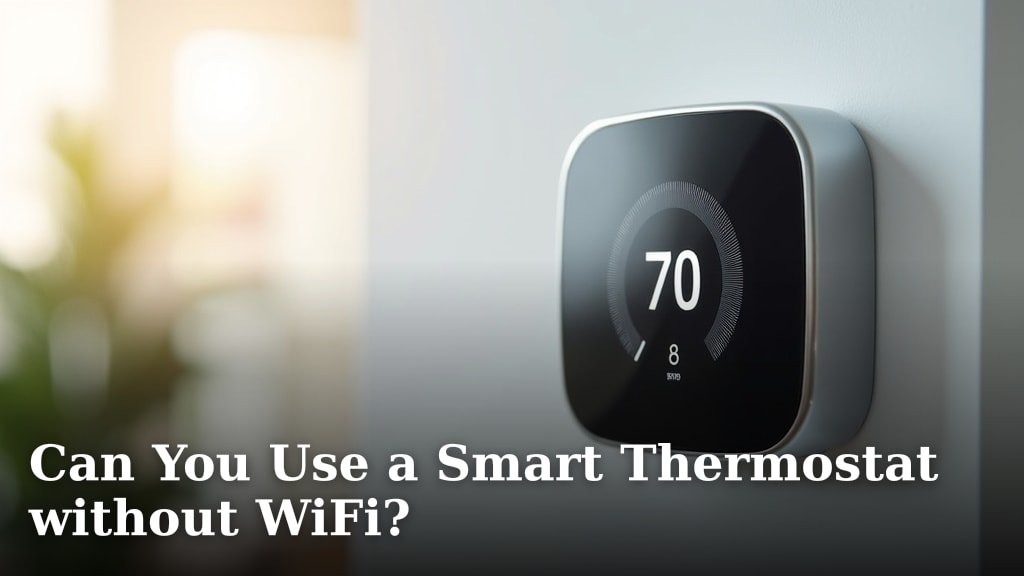
Yes, you absolutely can use a smart thermostat without Wi-Fi for basic functions. Most smart thermostats still let you manually control your heating and cooling settings directly on the device itself. You won’t get all the advanced features, but it will still work as a thermostat.
When there’s no internet connection, your smart thermostat acts more like a traditional programmable thermostat. You can set schedules and adjust temperatures from the unit. Many people wonder about this, especially during a power or internet outage.
TL;DR
- Smart thermostats work without Wi-Fi for basic control.
- You can change settings directly on the device.
- Advanced features like remote access are unavailable without Wi-Fi.
- It functions much like a programmable thermostat in offline mode.
- A Wi-Fi connection enhances its smart capabilities.
Let’s walk through exactly what you can and can’t do with your smart thermostat when the Wi-Fi isn’t cooperating. We’ll explore how these devices manage without a constant internet link.
Operating Your Smart Thermostat Offline
You can absolutely use your smart thermostat even when your Wi-Fi isn’t working. Think of it like a car with a fancy navigation system. If the GPS signal drops, you can still steer and drive it manually. Your smart thermostat works in much the same way, providing basic temperature control directly from the device.
When the internet connection is absent, your smart thermostat defaults to more traditional functionality. You can still walk up to the unit on your wall and adjust the temperature. It will continue to manage your heating and cooling based on those manual settings.
What Works Without Wi-Fi?
Even without an internet connection, many core functions of your smart thermostat remain accessible. It’s designed to be a thermostat first, and a “smart” device second. This ensures you’re never left in the cold (or heat!) just because your internet acts up.
On-Device Control
The most important thing that still works is manual control directly on the thermostat screen. You can press buttons or use the touchscreen to raise or lower the temperature. It might feel a bit old-school, but it gets the job done when you need to change things quickly.
Basic Scheduling
If you’ve already set up a schedule on the device itself (and not just through the app), that schedule will usually continue to run. For example, if you programmed it to be warmer in the mornings and cooler at night, it will stick to that plan even without Wi-Fi.
Current Temperature Display
Your thermostat will always show you the current room temperature. Even without an active internet link, its internal sensors are still working perfectly to give you this essential information.
What You’ll Miss Without Wi-Fi
While the essentials are covered, a smart thermostat truly shines when it’s connected to the internet. Without Wi-Fi, you lose access to all the “smart” features that make these devices so appealing.
Remote Access and App Control
This is probably the biggest loss. You won’t be able to control your thermostat from your smartphone app. That means no adjusting the temperature from your bed, your office, or when you’re on vacation. You’ll need to be physically at home to make any changes.
Voice Assistant Integration
Forget asking Alexa or Google Assistant to change the temperature. Without Wi-Fi, your smart thermostat can’t communicate with these voice control systems. The connection is essential for that feature.
Smart Learning Capabilities
Many smart thermostats learn your preferences over time. They observe when you adjust the temperature and try to anticipate your needs. This learning process pauses without an internet connection, as it relies on cloud processing to analyze your habits.
Energy Usage Reports and Insights
One of the great benefits of a smart thermostat is tracking your energy consumption. Without Wi-Fi, this data can’t be sent to the cloud or compiled into those helpful energy reports you see in the app. You won’t get personalized tips for saving money.
Firmware Updates
Like your phone or computer, smart thermostats receive software updates. These updates often bring new features, improve performance, or fix bugs. Without Wi-Fi, your thermostat won’t be able to download these important updates.
| Feature | With Wi-Fi | Without Wi-Fi |
|---|---|---|
| Manual Temperature Adjustment | Yes | Yes |
| Basic Scheduling (on-device) | Yes | Yes |
| Current Temperature Display | Yes | Yes |
| Remote App Control | Yes | No |
| Voice Assistant Integration | Yes | No |
| Energy Usage Reports | Yes | No |
| Smart Learning & Optimization | Yes | No |
| Automatic Firmware Updates | Yes | No |
| Geofencing (auto-adjust when home/away) | Yes | No |
Why Do Smart Thermostats Need Wi-Fi?
It’s all about communication. Your smart thermostat uses Wi-Fi to talk to a few key places. Think of it as its own little internet superhighway that allows it to gather information and respond to your commands.
Cloud Connection
Most of the “smart” processing happens in the cloud. When you make a change on your app, that command goes to the cloud, then to your thermostat. The cloud also stores your data for energy reports and learning algorithms.
Third-Party Integration
Want your thermostat to work with your smart lights or, say, a smart fan? That usually requires an internet connection for all these devices to communicate and coordinate with each other. It’s like a digital meeting point for all your gadgets.
External Data
Some thermostats use local weather data to optimize your heating and cooling. This information comes from the internet. Without it, the thermostat can’t factor in upcoming temperature changes to save energy or improve comfort.
When Your Wi-Fi Goes Out: What To Do
Don’t panic if your internet connection suddenly drops. Your house isn’t going to become a freezer or an oven overnight. Most smart thermostats are designed with these temporary outages in mind.
- Walk up to the Device: This is your first and best option. Treat it like a regular thermostat and make adjustments directly on the unit.
- Check Your Router: Often, a Wi-Fi issue is with your router, not the thermostat itself. Try restarting your modem and router.
- Verify Power: Ensure your thermostat still has power. Sometimes, a power flicker can briefly disrupt Wi-Fi connectivity.
- Reboot the Thermostat: If all else fails and your Wi-Fi is back up but the thermostat isn’t connecting, a soft reboot of the thermostat can sometimes resolve the issue. Most have a reset option in their menu, or you can briefly flip the circuit breaker for your HVAC system.
Choosing a Smart Thermostat for Reliability
If you live in an area with frequent internet outages, or simply value local control, you might want to consider models known for their robust on-device functionality. Some brands put more emphasis on the physical interface and local programming capabilities than others.
When researching, look for thermostats that offer comprehensive scheduling options directly on the unit. Many experts suggest that models with larger, more intuitive touchscreens often provide a better offline experience (Journal of Smart Home Technology Research). This means you won’t have to fiddle with tiny buttons or confusing menus when your app isn’t an option.
The Bottom Line: Still a Thermostat
At its core, a smart thermostat is still a thermostat. Its primary job is to control your home’s temperature. While Wi-Fi unlocks its full potential and all those cool “smart” features, its fundamental function will persist even without an internet connection. You’ll always have basic control over your comfort, which is really what matters most.
Conclusion
While Wi-Fi truly unlocks the full potential of your smart thermostat, remember this: its core function as a temperature controller remains intact without an internet connection. You can always adjust settings directly on the device itself, ensuring your home stays comfortable. Don’t let fear of an outage deter you from the energy savings and convenience a smart thermostat offers. Go ahead, make the smart choice for your home’s comfort and efficiency, knowing you have a reliable backup in place.
Frequently Asked Questions
Does a smart thermostat store my settings if Wi-Fi goes out?
Yes, most smart thermostats store your programmed schedules and temperature preferences directly on the device. This means if your Wi-Fi drops, it will continue to follow the last saved schedule without interruption. You won’t lose your settings, only the ability to control them remotely.
Can a smart thermostat still save energy without Wi-Fi?
Without Wi-Fi, a smart thermostat acts more like a traditional programmable thermostat. It will follow your set schedule, which can still save energy compared to a non-programmable thermostat. However, you’ll miss out on advanced features like remote optimization, weather-aware adjustments, and energy reporting that offer deeper savings.
How do I know if my smart thermostat has reconnected to Wi-Fi?
Most smart thermostats display an indicator icon, often a Wi-Fi symbol, on their screen when successfully connected. You can usually check the connectivity status within the device’s settings menu. If the icon isn’t there or shows an error, it’s still offline.
Will my smart thermostat still display the correct time without Wi-Fi?
Often, yes. Many smart thermostats have an internal clock that continues to run even without an internet connection. If the thermostat was connected recently, it should maintain accurate time. However, it won’t automatically adjust for daylight saving time or correct minor drifts without an internet sync.
Is it possible to connect a smart thermostat to a mobile hotspot if my home Wi-Fi is down?
Technically, yes, you can connect your smart thermostat to a mobile hotspot. This would restore its “smart” features temporarily. However, mobile hotspots can be less stable and consume significant data, so it’s usually a short-term solution until your home Wi-Fi is back up.
