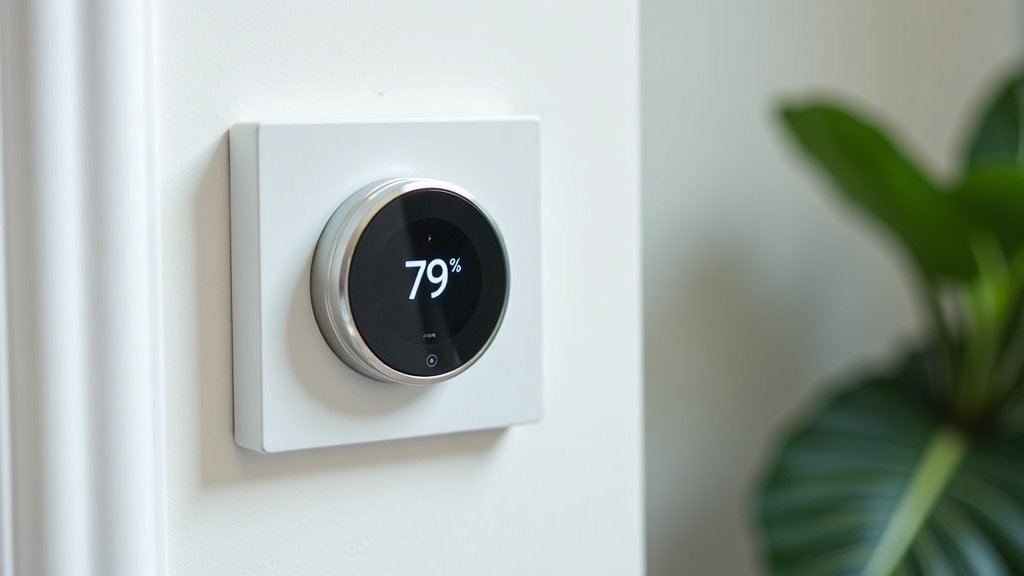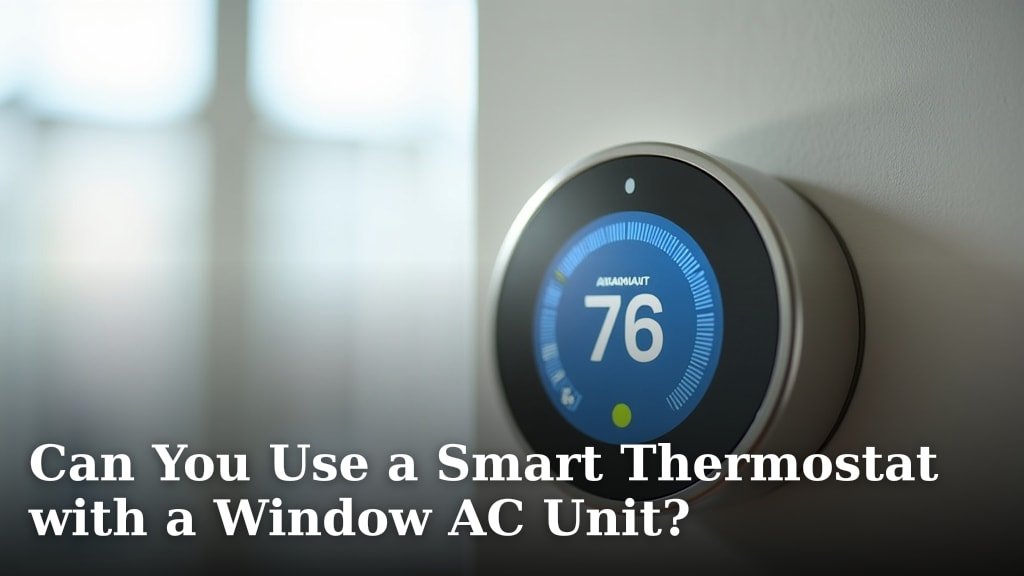
Yes, you can use a smart thermostat with a window AC unit, but it’s not as straightforward as with a central AC system. You’ll need a specific type of smart thermostat designed for this purpose, often one that controls devices via infrared (IR) signals or through smart plugs.
Most traditional smart thermostats are wired directly to your home’s HVAC system. Window AC units are different; they typically plug into an outlet and are controlled by a remote. We found that specialized smart devices bridge this gap, letting you bring modern convenience to your older AC.
- Smart thermostats can work with window AC units.
- Traditional smart thermostats aren’t designed for this.
- You’ll likely need an IR-blaster or a smart plug.
- These solutions offer remote control and scheduling.
- Expect some limitations compared to central AC integration.
Are you ready to make your window AC smarter? Let’s walk through exactly how this works and what options you have to get your AC unit connected.
Making Your Window AC Smart
You can absolutely turn your basic window AC unit into a smart one. It just takes a little creativity and the right smart device. We found that the key is understanding how your window AC “talks” and then finding a smart device that can mimic or control that communication.
Understanding How Window ACs Work
Before diving into smart solutions, let’s quickly review your window AC. Most units are fairly simple. They plug into a standard wall outlet. You control them using an on-board panel with buttons or a small infrared (IR) remote control. This remote sends signals to the AC unit, telling it to turn on, adjust temperature, change fan speed, or switch modes.
Traditional smart thermostats, like those for central air, are wired directly into your home’s HVAC system. They act as the brain of the entire setup. Window ACs don’t have this wiring. This difference is why you can’t just connect a regular smart thermostat to a window unit.
The Smart Solutions for Window ACs
So, how do you bridge the gap? We found two main categories of smart devices that can bring intelligence to your window AC: IR blasters and smart plugs. Each has its own strengths and ideal use cases.
Smart Thermostats with IR Blasters
This is often the most comprehensive solution. An IR blaster smart thermostat acts like a universal remote control. It learns the signals from your window AC’s original remote and then replicates them. This allows the smart thermostat to send commands to your AC just like you would with the handheld remote.
- How it works: You point your AC remote at the smart thermostat during setup. The smart thermostat “learns” the commands (on, off, temperature up/down, mode change).
- Benefits: Offers full control over your AC’s functions, including temperature, fan speed, and modes. Many come with built-in temperature sensors for more accurate climate control.
- Limitations: Requires a line of sight between the smart thermostat and the AC unit. If something blocks the signal, it won’t work.
Smart Plugs for Basic Control
Smart plugs are simpler but incredibly versatile. They essentially turn any appliance into a “smart” appliance by controlling its power supply. For a window AC, a smart plug can turn the unit on or off by cutting or restoring its power.
- How it works: You plug the smart plug into the wall outlet, and then plug your window AC unit into the smart plug.
- Benefits: Easy to set up. Good for simple on/off scheduling. Often more affordable than IR blasters.
- Limitations: Can only turn the AC unit completely on or off. You can’t adjust temperature, fan speed, or modes remotely. The AC unit will power on to its last settings.
Choosing the Right Device for You
Deciding between an IR blaster and a smart plug depends on your specific needs. Do you want granular control, or just simple scheduling? Consider these points when making your choice.
| Feature | IR Blaster Smart Thermostat | Smart Plug |
|---|---|---|
| Control Type | Full remote functions (temp, fan, mode) | On/Off power control only |
| Installation | Learning remote signals, placement for line of sight | Plug into outlet, plug AC into device |
| Cost | Generally higher | Generally lower |
| Room Sensing | Often includes temperature and humidity sensors | No built-in sensing |
| Compatibility | Most IR-controlled AC units | Any AC unit that can power on to last settings |
Key Features to Look For
Once you’ve decided on the type of device, what features should you prioritize? We found a few that really make a difference for comfort and convenience.
Geofencing Capabilities
Imagine your AC turning on when you’re almost home and turning off when you leave. That’s geofencing. This feature uses your phone’s location to automatically adjust your AC. It can save energy and ensure your home is comfortable precisely when you need it (Energy Star). This is a big win for convenience.
Scheduling and Timers
Even without geofencing, robust scheduling is essential. You should be able to set daily or weekly schedules for your AC. For example, have it run from 5 PM to 9 PM on weekdays. This is where a smart device really shines over a basic remote control.
Voice Assistant Integration
Do you use Alexa or Google Assistant? Many smart devices integrate with these voice assistants. This means you can say, “Hey Google, turn on the AC” or “Alexa, set the AC to 72 degrees.” It’s incredibly convenient, especially when your hands are full.
Temperature and Humidity Sensing
If you opt for an IR blaster smart thermostat, look for one with accurate temperature and humidity sensors. This allows the device to truly monitor your room’s climate. Some advanced models can even adjust the AC based on both temperature and humidity levels for optimal comfort (ASHRAE Journal).
Setting Up Your Smart Window AC System
The setup process is usually straightforward. Most smart devices come with clear app-based instructions. However, we’ve outlined a general checklist to help you prepare.
- Check AC compatibility: Does your window AC have an IR remote? Does it default to its last settings when powered on?
- Ensure Wi-Fi connectivity: Your smart device will need a stable Wi-Fi connection to communicate with your phone and the internet.
- Choose optimal placement: For IR blasters, ensure a clear line of sight to the AC unit. For smart plugs, ensure it’s easily accessible and near an outlet.
- Download the app: Most smart devices rely on a dedicated mobile app for setup and control.
- Follow in-app instructions: The app will guide you through connecting to Wi-Fi, pairing with your AC (for IR blasters), and setting up schedules.
- Test everything: After setup, make sure all functions work as expected. Try turning it on/off, adjusting temperature, and testing schedules.
Potential Limitations and Considerations
While making your window AC smart is fantastic, it’s not without its quirks. You should be aware of these before you start.
- Line of sight for IR: As mentioned, IR blasters need an unobstructed view of the AC. If you move furniture or someone walks between them, the signal might be blocked.
- AC unit’s “last state”: If using a smart plug, your AC must power on to its last settings. If it always defaults to “off” or a very high temperature after a power cycle, a smart plug won’t give you much control.
- Battery life (for some IR remotes): Some IR blasters are battery-powered, meaning you’ll need to replace batteries periodically. Consider a USB-powered option if you prefer not to deal with batteries.
- No compressor modulation: Unlike central AC, window units typically don’t have variable fan speeds or multi-stage compressors. Your smart device can only work within the limitations of your AC unit.
- Smart home ecosystem: If you already have a smart home system (e.g., Apple HomeKit, Samsung SmartThings), check if your chosen device integrates with it. This creates a more cohesive experience.
Making your window AC smart is a great way to boost comfort and potentially save energy. It transforms a basic appliance into a responsive, convenient part of your connected home.