
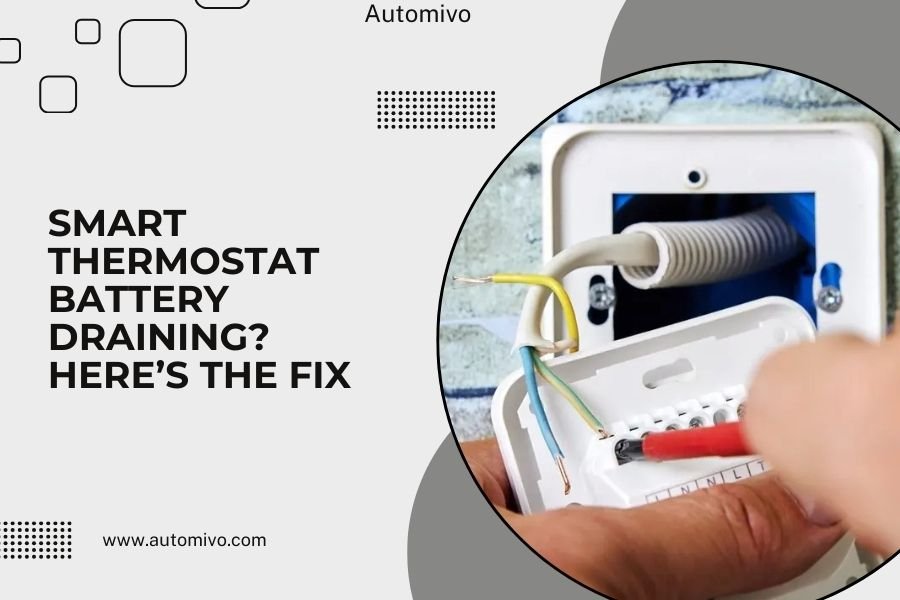
Smart thermostat battery draining happens when WiFi connectivity issues, frequent temperature changes, or old batteries force your device to work harder than normal.
Most battery drain problems get fixed by checking your WiFi signal strength, updating firmware, or replacing batteries with high-quality alkaline or lithium options.
Why Your Smart Thermostat Battery Dies So Fast
Your smart thermostat battery shouldn’t drain quickly under normal use. When it does, something’s making your device work overtime.
Think of it like your phone battery. When you’re in a spot with poor cell service, your phone burns through power trying to stay connected. Your thermostat does the same thing with WiFi.
WiFi Connection Problems Drain Power
Poor WiFi signal tops the list for battery drain. Your thermostat keeps trying to reconnect when the signal drops.
I found that thermostats placed far from routers or behind thick walls struggle the most. The constant searching for connection eats battery life.
How to Check Your WiFi Signal
Walk to your thermostat with your phone. Check how many WiFi bars you get there. Less than three bars means weak signal.
You can also check signal strength in your thermostat’s settings menu. Most show connection quality as “good,” “fair,” or “poor.”
Temperature Changes Make It Work Harder
Frequent temperature swings force your thermostat to communicate more with your HVAC system. More communication means more battery use.
This happens when you set very aggressive schedules or live in a drafty home. Your system cycles on and off constantly.
Extreme Temperatures Affect Battery Life
Batteries perform worse in very hot or cold spots. If your thermostat sits in direct sunlight or near a cold window, the battery suffers.
Research shows that battery performance drops significantly below 32°F or above 100°F (Consumer Reports).
Quick Fixes That Usually Work
Start with these simple solutions. They solve most battery drain issues without any technical knowledge.
Replace Your Batteries First
Old batteries cause most problems. Even if they show some charge left, weak batteries make your thermostat work harder.
Use fresh alkaline or lithium batteries. Avoid cheap dollar store brands. Quality batteries last 6-12 months in most smart thermostats.
Best Battery Types for Smart Thermostats
- Lithium AA batteries – Last longest, work in extreme temperatures
- Quality alkaline batteries – Good middle ground for most homes
- Avoid rechargeable batteries – They provide inconsistent voltage
Move Your WiFi Router Closer
If possible, move your router to a more central location. This improves signal strength throughout your home.
Can’t move your router? Consider a WiFi extender near your thermostat. This boosts the signal without major changes.
Check for WiFi Interference
Other devices can interfere with your WiFi signal. Microwaves, baby monitors, and some LED lights cause problems.
Try turning these off temporarily. If your thermostat works better, you found the culprit.
Advanced Troubleshooting Steps
Still having battery issues? These steps require a bit more effort but often solve stubborn problems.
Update Your Thermostat Firmware
Outdated firmware can cause battery drain. Manufacturers release updates that fix these issues.
Check your thermostat’s app or settings menu for updates. Run any available updates and restart your device.
How to Check Firmware Version
Most smart thermostats show firmware version in the settings menu. Write down your current version.
Compare it to the latest version on your manufacturer’s website. If yours is older, update it.
Reset Your WiFi Connection
Sometimes your thermostat gets stuck trying to use a bad WiFi connection. A fresh connection can fix this.
Remove your thermostat from your WiFi network. Then reconnect it like you did during initial setup.
Steps to Reset WiFi
- Go to WiFi settings on your thermostat
- Forget or remove your current network
- Scan for networks and reconnect
- Enter your WiFi password again
Adjust Your Temperature Schedule
Aggressive schedules with big temperature swings drain batteries faster. Try smaller changes.
Instead of changing temperature by 10 degrees, try 5-6 degrees. Your system won’t work as hard.
Optimize Your Schedule Settings
Set longer periods between temperature changes. Don’t change temperature more than 2-3 times per day.
Use gradual changes rather than sudden jumps. This reduces system cycling and saves battery power.
When to Call for Professional Help
Some battery drain issues need professional attention. Don’t struggle with complex electrical problems.
C-Wire Installation Problems
Your thermostat might need a C-wire (common wire) for proper power. Without it, batteries work overtime.
Many experts recommend professional C-wire installation for persistent battery issues (HVAC contractors association).
Signs You Need Professional Help
- Batteries die weekly despite trying all fixes
- Thermostat displays power warnings regularly
- Your HVAC system behaves strangely
- You’re not comfortable working with electrical wires
HVAC System Compatibility Issues
Some older HVAC systems don’t play well with smart thermostats. This causes extra battery drain.
A technician can check compatibility and suggest solutions. Sometimes you need a different thermostat model.
Prevention Tips to Avoid Future Problems
Keep your smart thermostat running smoothly with these maintenance tips.
Regular Battery Replacement Schedule
Replace batteries every 6-8 months, even if they still work. Fresh batteries prevent unexpected failures.
Set a reminder on your phone or calendar. Many people change batteries when they change smoke detector batteries.
Battery Maintenance Best Practices
| Task | Frequency | Why It Matters |
|---|---|---|
| Check battery level | Monthly | Catch problems early |
| Replace batteries | Every 6-8 months | Prevent sudden failures |
| Clean battery contacts | During replacement | Ensure good connection |
Keep Firmware Updated
Check for updates monthly. Manufacturers often release power-saving improvements.
Enable automatic updates if your thermostat supports them. This keeps everything current without remembering to check.
Monitor Your WiFi Network
A stable home network prevents connection problems. Restart your router monthly to keep it running well.
Consider upgrading your internet plan if you have many smart devices. More bandwidth means better connections for everything.
Conclusion
Smart thermostat battery draining usually comes from WiFi problems, old batteries, or aggressive temperature schedules. Start with fresh batteries and check your WiFi signal strength. Most issues get solved with these simple steps.
If basic fixes don’t work, try updating firmware or resetting your WiFi connection. For persistent problems, especially with older HVAC systems, call a professional. They can check if you need a C-wire or different thermostat model.
Regular maintenance prevents future battery issues. Replace batteries every 6-8 months and keep firmware updated. A little attention keeps your smart thermostat running smoothly for years.
How often should I replace smart thermostat batteries?
Replace batteries every 6-8 months for best performance. Don’t wait for low battery warnings, as weak batteries make your thermostat work harder and drain faster.
Can I use rechargeable batteries in my smart thermostat?
Avoid rechargeable batteries in smart thermostats. They provide inconsistent voltage and can cause connection problems. Stick with quality alkaline or lithium batteries for reliable operation.
Why does my thermostat battery drain faster in winter?
Cold temperatures reduce battery performance, and your heating system cycles more often in winter. Both factors increase power consumption. Consider lithium batteries for better cold weather performance.
Will a weak WiFi signal really drain my thermostat battery?
Yes, poor WiFi signal is the top cause of battery drain. Your thermostat constantly tries to reconnect when signal drops, burning through power. Improve WiFi coverage or add an extender near your thermostat.
Do I need a C-wire if my batteries keep dying?
A C-wire provides continuous power and reduces battery dependence. If batteries die weekly despite troubleshooting, you likely need C-wire installation. This requires professional help in most cases.
