
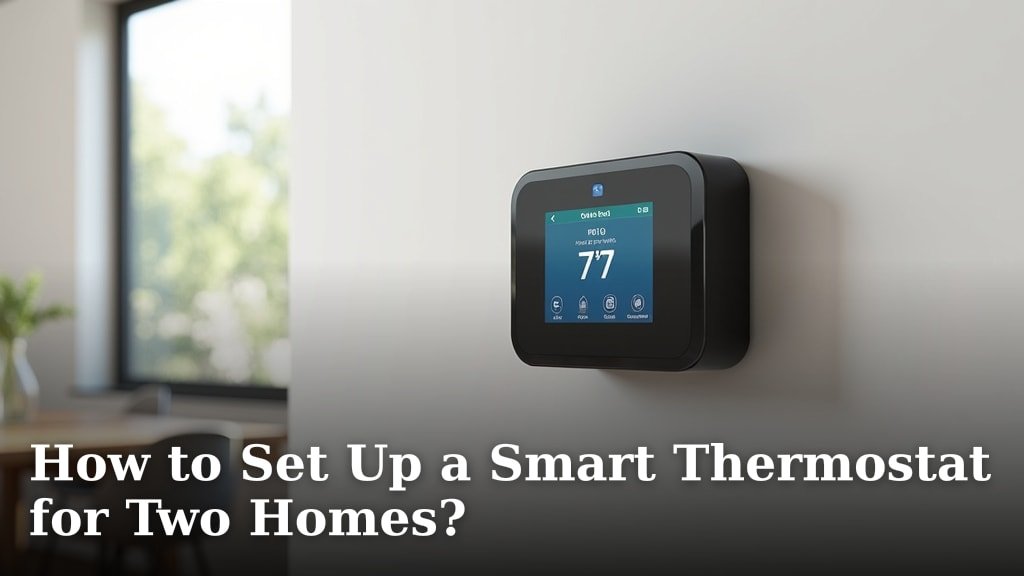
Yes, you can absolutely set up a smart thermostat for two homes. Many smart thermostat systems are designed to support multiple locations under a single account. This makes managing your heating and cooling from afar much simpler.
Having a smart thermostat in a vacation home or a rental property offers convenience and savings. You can monitor temperatures, adjust settings remotely, and even receive alerts if something seems off. Many homeowners find this technology helps them save energy when properties are unoccupied.
- Set up one account for all your smart thermostats.
- Control temperatures from your phone or computer.
- Save energy and money on unoccupied properties.
- Receive alerts for potential issues.
- Enjoy peace of mind knowing your homes are comfortable.
Ready to get your second home smarted up? Let’s walk through exactly how you can set up your smart thermostat for two homes, step by step.
So, you’ve got two homes and want to bring them into the 21st century with smart thermostats. That’s a smart move! Managing heating and cooling for multiple properties might sound like a headache, but with the right setup, it’s surprisingly simple. We’ll walk you through exactly how to get both your homes connected and controlled from one place.
Getting Your Homes Ready for Smart Thermostats
Before you even buy a thermostat, there are a few things to check. You want to make sure your homes are ready for a little technological upgrade. Think of it like prepping a canvas before you paint.
Checking Your HVAC System Compatibility
Most modern smart thermostats work with common HVAC systems. This includes forced air, heat pumps, radiant heat, and more. However, it’s always best to double-check. You can usually find compatibility checkers on the websites of popular smart thermostat brands.
Just look for a section that asks about your current system. You might need to know if you have a C-wire (a common wire that provides continuous power). Many smart thermostats need this. If you don’t have one, don’t worry! Some systems come with power adapters, or you might need to hire an electrician.
Assessing Your Wi-Fi Network Strength
Your smart thermostat needs a **stable Wi-Fi connection** to work. This is especially important if one of your homes is a vacation spot or a bit more remote. You’ll want to ensure both locations have a reliable internet signal reaching the thermostat’s location.
Consider the distance from your router to where the thermostat will be installed. If the signal is weak, you might need to boost it. A Wi-Fi extender or a mesh network system can help extend coverage to all corners of your home. You want that signal to be strong enough to talk to the thermostat without dropping.
Choosing the Right Smart Thermostat System
The good news is that most major smart thermostat brands are built with multi-home management in mind. You don’t need two separate apps or accounts for two houses.
Understanding Multi-Location Features
When you’re shopping, look for terms like “multi-home support,” “multiple location management,” or “single account control.” These features allow you to add multiple devices under one user profile. This is key to keeping things organized.
For example, you could have your main house thermostat and your vacation home thermostat both linked to the same app. You’ll be able to see the status of each home side-by-side. This makes managing them feel like a breeze.
Popular Brands and Their Capabilities
We found that many leading brands offer robust multi-home features. Nest, ecobee, and Honeywell are frequently cited for their user-friendly apps that handle multiple devices easily. They often allow you to name each thermostat, like “Main House” or “Lake Cabin.”
For instance, with a Nest system, you can add multiple thermostats to your Google account. You can then switch between them within the Google Home app. Similarly, ecobee allows you to manage all your devices from a single ecobee account. This is a **huge convenience** for homeowners with more than one property.
Installation Process for Two Homes
Installing a smart thermostat is generally a DIY-friendly project. However, if you’re not comfortable with basic wiring, it’s always wise to call a professional. Safety first! The process of installing a smart thermostat is generally straightforward, and our guide covers the steps.
Step-by-Step Installation Guide
The process will be similar for each home. Here’s a general rundown:
- Turn off power: Always shut off power to your HVAC system at the breaker box before you start. This is a critical safety step.
- Remove old thermostat: Carefully take off the old thermostat faceplate. Take a picture of the existing wiring before disconnecting anything. This photo is your lifeline!
- Install baseplate: Mount the new smart thermostat’s baseplate to the wall.
- Connect wires: Match the wires to the corresponding terminals on the new baseplate. Refer to your photo and the smart thermostat’s instructions.
- Attach thermostat: Snap the smart thermostat display onto the baseplate.
- Restore power: Turn the power back on at the breaker box.
Once the thermostat powers up, it will guide you through the initial setup, including connecting to your Wi-Fi.
Setting Up Each Thermostat on Your Account
After you’ve physically installed the thermostat in the first home and connected it to Wi-Fi, you’ll set it up through the brand’s app. You’ll create an account or log in if you already have one.
During the app setup, you’ll likely be prompted to name the thermostat and assign it to a location. Once that’s done, you can then move to the second home. Install the second thermostat, connect it to its local Wi-Fi, and then use the *same app and account* to add it.
The app will recognize you’re adding a new device to your existing account. You’ll name this one, perhaps “Second Home Thermostat.” Within minutes, you should see both thermostats listed and ready for control.
Managing Your Dual-Home Smart Thermostat Setup
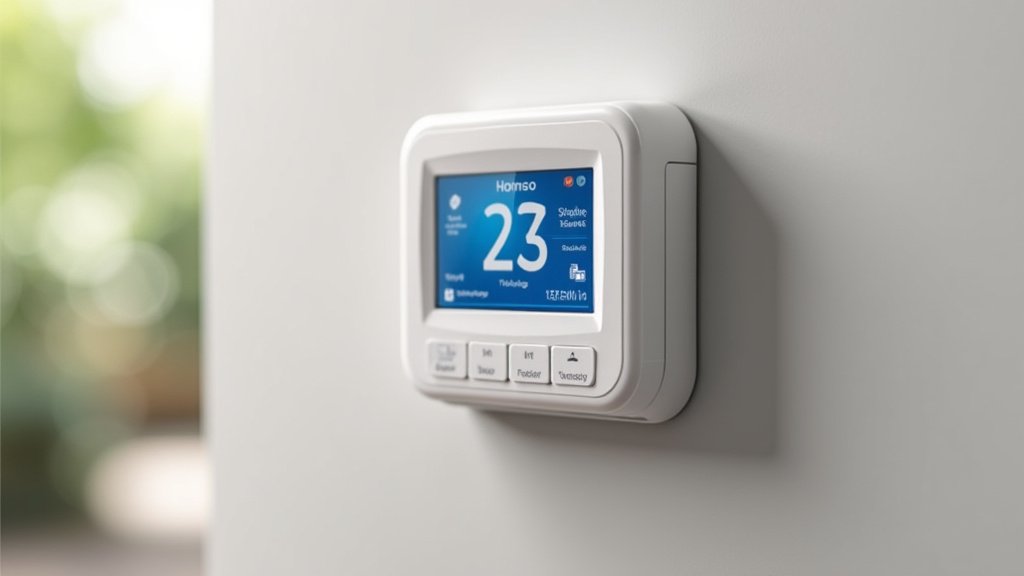
This is where the magic happens! Once both thermostats are linked to your account, managing them becomes incredibly straightforward.
Using the Mobile App for Remote Control
The primary way you’ll interact with your thermostats is through their dedicated mobile app. You can download this on your smartphone or tablet. From the app, you can: The primary way you’ll interact with your thermostats is through their dedicated mobile app.
- View current temperatures: See what it’s like in each house right now.
- Adjust temperature settings: Turn the heat up or down from anywhere.
- Set schedules: Create custom heating and cooling schedules for each home. This is great for saving energy when nobody’s there.
- Receive alerts: Get notifications for extreme temperatures, filter changes, or potential system issues.
Many experts agree that remote access offers **significant peace of mind**, especially for properties you don’t visit daily (National Association of Home Builders).
Optimizing Energy Savings for Unoccupied Properties
One of the biggest benefits of having smart thermostats in two homes is the potential for energy savings. When a home is empty, you don’t need to keep it at a comfortable temperature all the time.
You can set lower temperatures in the winter and higher temperatures in the summer for the unoccupied property. For example, you might set your main home to 70°F but your vacation home to 55°F when it’s vacant. Then, a few hours before you arrive, you can remotely bump the temperature up. This **avoids wasted energy** and lowers your utility bills.
Troubleshooting Common Issues Across Locations
What if something goes wrong? Don’t panic! Most issues are easily resolved.
- Connectivity problems: If a thermostat appears offline, check the Wi-Fi at that location first. Is the router working? Is the signal strong? Rebooting the router often helps.
- App not updating: Ensure your app is updated to the latest version. Sometimes, simply closing and reopening the app can refresh the connection.
- Incorrect temperature readings: Make sure the thermostat isn’t placed near a heat source (like a lamp) or in direct sunlight, which can skew readings.
Many manufacturers also offer detailed troubleshooting guides and customer support. You’re not alone if you hit a snag!
Tips for a Smooth Dual-Home Smart Thermostat Experience
Here’s a quick checklist to keep your multi-home setup running smoothly:
- Keep firmware updated: Ensure both thermostats have the latest software.
- Regularly check Wi-Fi: Confirm both locations have a stable internet connection.
- Test schedules: Periodically review and test your programmed schedules.
- Set up geofencing (if available): Some apps use your phone’s location to adjust temperature automatically when you leave or arrive.
- Share access wisely: If others need to control the thermostats, use the app’s features to grant them access.
By following these steps, you can effectively set up and manage smart thermostats in both of your homes, bringing convenience, comfort, and potential savings to each property.
Conclusion
Setting up smart thermostats in two homes is totally achievable and can bring you significant comfort and savings. You’ve learned how to check compatibility, choose the right multi-home system, and install and manage both thermostats from a single app. This setup provides incredible remote control and peace of mind, especially for properties you don’t visit daily. Start by reviewing your current HVAC systems and Wi-Fi strength to pick the best thermostat. Then, follow the installation steps carefully. Your next step is to select a smart thermostat brand known for its multi-home support and get ready to enjoy smarter home management.
Frequently Asked Questions
Can I use two different brands of smart thermostats for my two homes?
Generally, you can install different brands in each home. However, to manage both from a single app, you would need to use the same brand and add each thermostat to that brand’s specific account. Using different brands means you’ll likely need separate apps to control each home.
What if my second home has a weak Wi-Fi signal?
A weak Wi-Fi signal can cause connection issues. You might need to install a Wi-Fi extender or a mesh network system at the second home. Ensure the signal is strong enough where the thermostat is installed so it can communicate reliably.
Do I need a professional to install the thermostats in both homes?
While many smart thermostat installations are DIY-friendly, especially if you have a C-wire, it’s wise to hire an electrician if you’re unsure about wiring. You can install one yourself and have a pro handle the other if you prefer.
How do I set up schedules for each home separately?
Most smart thermostat apps allow you to create unique schedules for each device linked to your account. You can access the settings for your main home thermostat and set its schedule, then do the same for your second home’s thermostat.
What happens to the thermostat settings when I turn off the power to my second home?
If you’re turning off power to the entire house, your smart thermostat will also lose power and go offline. When you restore power, it should reconnect to your Wi-Fi and resume its programmed schedule or last known settings.
