
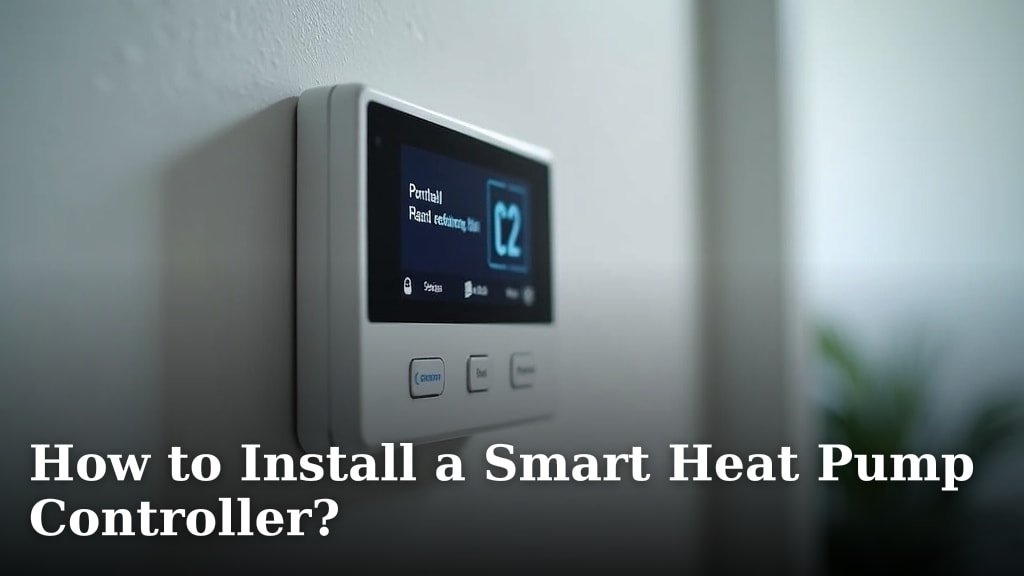
Installing a smart heat pump controller is a project you can tackle yourself with the right guidance. You’ll typically need basic wiring knowledge and a few common tools to get the job done safely. Following the manufacturer’s instructions is your **best bet for a successful installation**, ensuring your new controller works **efficiently and reliably**.
Upgrading to a smart controller means you can gain **better control over your home’s heating and cooling**. This often leads to **energy savings** and improved comfort. Many users find the setup straightforward, especially with modern, user-friendly designs. This guide will help you navigate the process with confidence. Discover the best smart thermostat for heat pumps.
- Understand the benefits of a smart controller.
- Gather the necessary tools and safety gear.
- Follow wiring diagrams carefully.
- Test your new system thoroughly.
- Connect to your home Wi-Fi network.
Ready to get started? Let’s walk through exactly how to install your smart heat pump controller step by step.
Getting Your Smart Heat Pump Controller Set Up
Installing a smart heat pump controller is a project you can tackle yourself with the right guidance. You’ll typically need basic wiring knowledge and a few common tools to get the job done safely. Following the manufacturer’s instructions is your best bet for a successful installation, ensuring your new controller works efficiently and reliably.
Upgrading to a smart controller means you can gain better control over your home’s heating and cooling. This often leads to energy savings and improved comfort. Many users find the setup straightforward, especially with modern, user-friendly designs. This guide will help you navigate the process with confidence.
Before You Begin: Preparation is Key
Taking a little time to prepare can make the installation process much smoother. You wouldn’t start a big DIY project without the right tools, and this is no different. Let’s make sure you have everything you need before you even touch a wire.
What You’ll Need: Tools and Safety Gear
Having the right equipment on hand means you won’t have to stop mid-job to run to the hardware store. Most of these are likely already in your toolbox.
- Screwdrivers: You’ll need both Phillips head and flathead screwdrivers for removing and attaching wires.
- Wire Strippers/Cutters: Essential for preparing the ends of your wires.
- Pliers: Useful for gripping and manipulating wires.
- Voltage Tester: This is your most important safety tool. Always check that power is off before you start.
- Drill with bits: You might need this for mounting the new controller.
- Level: To ensure your new controller is mounted straight.
- Safety Glasses: Protect your eyes from dust and debris.
- Work Gloves: To protect your hands.
Understanding Your Heat Pump and Existing Thermostat
Before you disconnect anything, take a good look at your current setup. You need to know what you’re working with. Many experts suggest taking clear photos of the existing wiring. This can be a lifesaver if you get confused later.
Your heat pump system usually has two main components: the indoor air handler and the outdoor unit. The thermostat controls both. A smart controller replaces your old thermostat, but it needs to communicate with the same wiring.
Identifying Wires and Terminals
Your current thermostat will have wires connected to different terminals, usually labeled with letters. Common labels include R (power), W (heating), Y (cooling), G (fan), and C (common). Your new smart controller will have a similar set of terminals.
The “C” wire, or common wire, is especially important for smart thermostats. It provides continuous power. If you don’t have a C wire, you might need to install one or use an adapter kit. Many guidelines point to the C wire as essential for reliable smart thermostat operation (Energy Star).
Safety First: Shutting Off Power
This step is non-negotiable. Working with electricity can be dangerous. You absolutely must turn off the power to your HVAC system before you start.
Locate your home’s electrical panel (breaker box). Find the breaker that controls your furnace or air handler. Flip it to the “OFF” position. Some systems may also have a separate shut-off switch near the indoor unit. If you’re unsure which breaker it is, turn off the main breaker to your entire home. Then, try turning on your old thermostat. If it doesn’t power up, you’ve likely found the right breaker.
Always use your voltage tester on the wires you plan to disconnect to confirm the power is truly off. Safety shouldn’t be rushed; it’s the most critical step.
Removing Your Old Thermostat
Now that the power is off, you can begin removing the old unit. This part is usually pretty straightforward.
Most thermostat covers simply pull off the wall plate. Some might have small screws or clips. Once the cover is off, you’ll see the wires connected to the terminals. Take those photos we talked about!
Carefully disconnect each wire from its terminal. It’s often easiest to do this by loosening the small screw next to the terminal. As you disconnect a wire, gently wrap it around a pencil or tape it to the wall to prevent it from falling back into the wall cavity. This can save you a lot of hassle later.
Once all wires are disconnected, unscrew the old wall plate from the wall. Keep the screws handy; you might need them if your new mounting plate is different.
Wiring the New Smart Controller
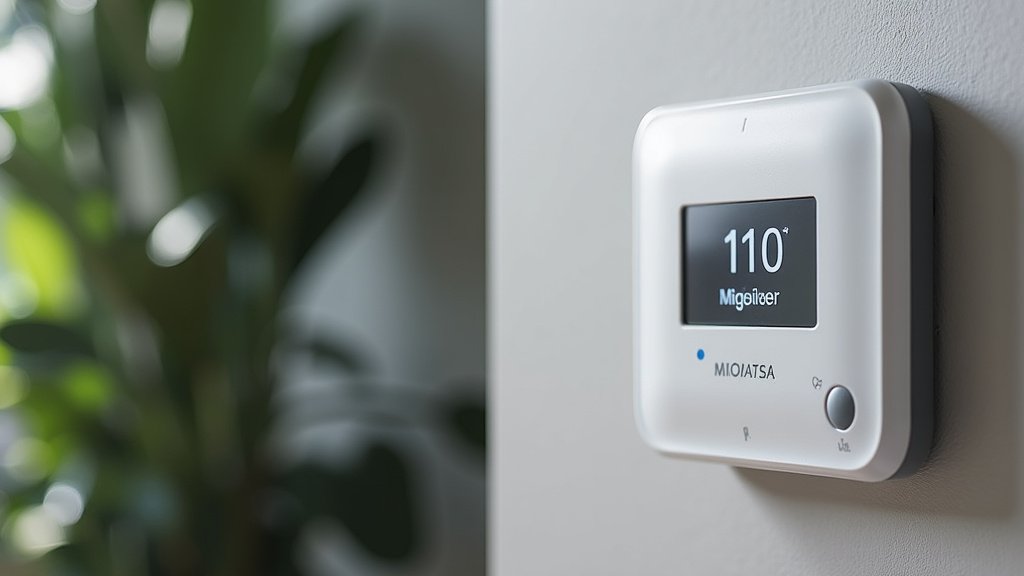
This is the heart of the installation. Your new smart controller will come with specific wiring instructions. It’s vital to follow these for your particular model.
Referencing Your Wiring Diagram
Your smart controller’s manual will have a wiring diagram. This diagram shows you which wire from your wall needs to connect to which terminal on the new controller. Compare this to the photos you took of your old setup.
If your old thermostat had an “Rh” wire (for heating) and an “Rc” wire (for cooling), you might see separate R wires. Many smart thermostats combine these into a single “R” terminal. If your new controller only has one “R” terminal, you’ll likely connect both wires to it, or follow the manual’s specific instructions for jumpering
Conclusion
You’ve successfully navigated the steps to install your smart heat pump controller. By taking your time, prioritizing safety, and carefully following the wiring diagrams, you’ve upgraded your home’s comfort and energy efficiency. Remember, the manufacturer’s instructions are always your best guide. Now that your new controller is wired up, the next step is to complete the Wi-Fi setup and test its functionality. Enjoy the enhanced control and potential savings your smart system brings!
Frequently Asked Questions
What if I don’t have a C wire for my smart thermostat?
If you discover you’re missing a C wire, don’t worry. Many smart thermostat manufacturers offer C-wire adapter kits that can help. You might also be able to repurpose an existing wire, but this requires careful checking of your system’s configuration and the controller’s manual.
How do I know if my heat pump system is compatible with a smart controller?
Most modern heat pump systems are compatible with smart controllers. You’ll want to check your heat pump’s manual and the smart controller’s specifications for compatibility. The key is matching the wiring configurations and voltage requirements.
My new controller isn’t powering on. What should I check?
The most common reason for a controller not powering on is a tripped breaker or a loose connection. Double-check that the breaker for your HVAC system is fully on and that all wires are securely attached to their correct terminals according to the wiring diagram. Ensure the C wire is properly connected if your system requires one.
How do I test if my heat pump is working correctly after installation?
Once you’ve connected to Wi-Fi, use the controller’s app or interface to test both heating and cooling modes. Set the temperature to a setting that will activate each mode. Listen for your outdoor unit and feel for air coming from your vents to confirm it’s working as expected.
Is it really safe to do this myself? Should I hire a professional?
If you have basic electrical knowledge and follow safety precautions, especially turning off the power, many find this installation manageable. However, if you’re uncomfortable with wiring or unsure about your system, hiring a qualified HVAC technician is always the safest choice to ensure proper installation and avoid potential damage.
