
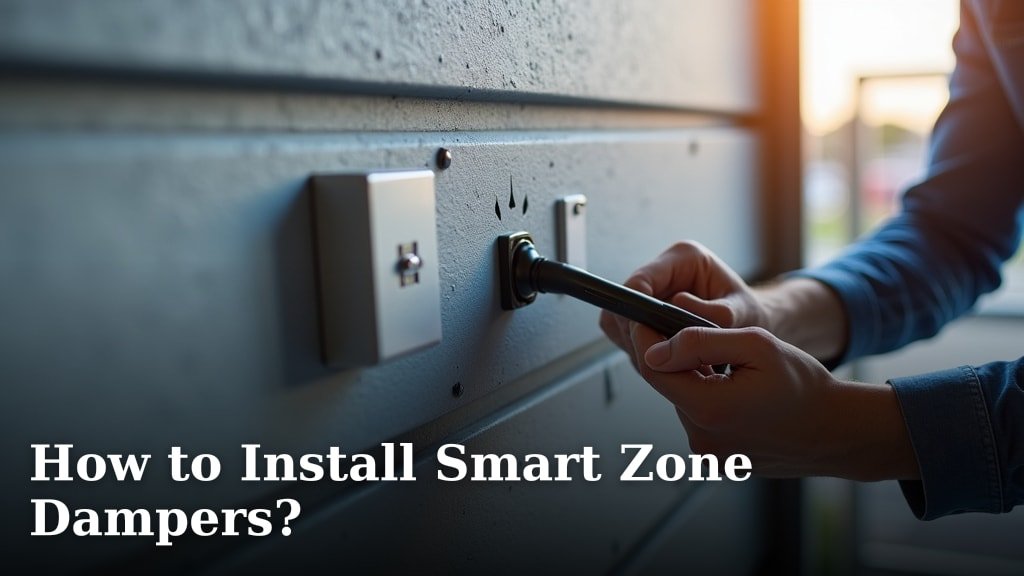
Installing Smart Zone Dampers: A Step-by-Step Guide
Think of your ductwork as the **highway system** for your home’s heated or cooled air. Smart zone dampers are like the **smart traffic controllers** on that highway. They open and close to direct airflow exactly where you want it. Installing them turns a single-zone system into a zoned comfort system. This guide walks you through the process, from prep to power-up.
Before You Start: Preparation is Everything
Rushing into an installation without a plan is a recipe for frustration. Proper preparation ensures you have everything you need and a clear vision for your home’s new airflow map.
Mapping Your Ductwork and Comfort Zones
First, grab a flashlight and become an explorer of your own home. You need to **locate your main trunk lines**. These are the largest ducts running from your furnace or air handler. Most homes have a main supply trunk and a return trunk.
Determine which rooms you want to control independently. Common zones are the master bedroom, living area, and home office. The goal is to place dampers on the branch ducts leading to each zone. A helpful trick is to **turn your system fan to “On”** and feel for airflow in the ceiling or floor registers in each room.
Gathering the Right Tools and Materials
You wouldn’t try to build a bookshelf with only a hammer. Similarly, you need the correct tools. Based on guidelines from HVAC professionals, here is a typical list.
- Sheet metal screws and a **cordless drill**.
- Tin snips** for cutting sheet metal if needed.
- Measuring tape** and a permanent marker.
- High-quality foil tape (not cloth duct tape) for sealing.
- Safety glasses and **work gloves**.
- The smart damper kit itself, including the **damper, controller, and wiring**.
Pro Tip: Take clear photos of your ductwork before you begin. They are invaluable if you need to remember how something was oriented.
Checking System Compatibility
Not every HVAC system plays nice with smart dampers. We found that most are designed for **forced-air systems** with a blower fan. Check your damper model’s specifications. It will typically require a standard 24-volt control signal from your HVAC system or a dedicated smart zone controller. Ensure your system has the **proper static pressure**. Adding dampers can increase pressure, and some older systems may struggle. A quick online search for your furnace model’s manual can provide key specs.
The Installation Process: A Logical Walkthrough
This is where you get your hands dirty. Work methodically, one damper at a time. Safety first—**turn off all power to your HVAC system** at the breaker box. This is non-negotiable.
Step 1: Select and Prepare the Duct Location
Choose a section of the branch duct that is **straight, accessible, and at least 12 inches** from any bend or junction. This allows for smooth airflow and easier installation. You need enough space around the duct to work comfortably.
Step 2: Cut the Access Hole
Your damper kit will include a template. Trace this circle onto the side of the duct. Using your tin snips, carefully **cut out the marked circle**. File down any sharp edges. This hole is where the damper’s actuator motor will sit externally.
Step 3: Secure the Damper Inside the Duct
Carefully insert the damper blade assembly into the duct through the hole you just cut. Align the mounting flanges with the duct exterior. Use the provided screws to **secure the damper firmly** to the ductwork. It should not wobble. A solid mount prevents rattles and ensures reliable operation.
Step 4: Connect the Actuator and Wiring
Attach the external motor (actuator) to the damper shaft protruding through the hole. This usually involves a simple clip or screw. Now, route the low-voltage wiring from the damper to your central zone controller. Use **foil tape to secure the wire** along the duct every few feet, keeping it neat.
Repeat steps 1-4 for each zone damper in your system.
Wiring and System Integration
With the dampers physically installed, it’s time to bring them to life. This phase connects the hardware to the “brains” of your system.
Connecting to the Zone Controller
Your smart zone system will have a central controller. Each damper’s wires will connect to a corresponding terminal block on this controller. It’s often labeled “Zone 1,” “Zone 2,” etc. **Double-check your wiring diagram** before tightening any screws. A loose wire is a common source of system failure.
Power and Communication
The zone controller needs its own power, typically a 24-volt transformer. It also needs to communicate with your HVAC system’s control board. This might involve connecting a wire to the **”W” (heat), “Y” (cool), and “G” (fan)** terminals. Consult both your HVAC and zone controller manuals for the exact wiring schematic. Incorrect wiring can damage equipment.
Testing and Calibration: Bringing Your Zones to Life
This is the most satisfying part. You get to see your hard work pay off.
Initial Power-Up and Functional Test
Turn the power back on at the breaker. Use your zone controller or smartphone app to **command each damper to open and close**. Listen for a quiet “whoosh” or click as it moves. Visually inspect to see if the damper blade moves fully. If a damper doesn’t respond, power down and re-check its wiring connection.
Airflow Balance Check
Turn on your system’s fan. Go to a register in a zone where the damper should be open. You should feel strong airflow. In a zone where the damper is closed, you should feel little to no airflow. It may take a few minutes for pressures to equalize. As found in HVAC balancing guides, you may need to **adjust the “minimum open” setting** on some dampers to prevent system strain.
Advanced Considerations and Pro Tips
Looking to optimize performance? These insights can help you avoid common pitfalls and achieve the best results.
Dealing with Return Air Dampers
Most simple installations only use supply-side dampers. However, a **properly zoned system often includes a bypass or return air damper**. This manages air pressure when zones close off. Without it, a closed zone can cause pressure buildup, whistling noises, or even damage to your blower motor. This is a more complex installation; many experts recommend professional help for return-side dampers.
Smart Home Integration and Programming
The real magic happens in the programming. Most systems allow you to **set schedules and temperature preferences per zone**. You can tell your system to keep the bedroom cool at night but warmer during the day. Integration with voice assistants like Alexa or Google Assistant lets you say, “Cool down the living room.” Spend time fine-tuning these settings for maximum comfort and efficiency.
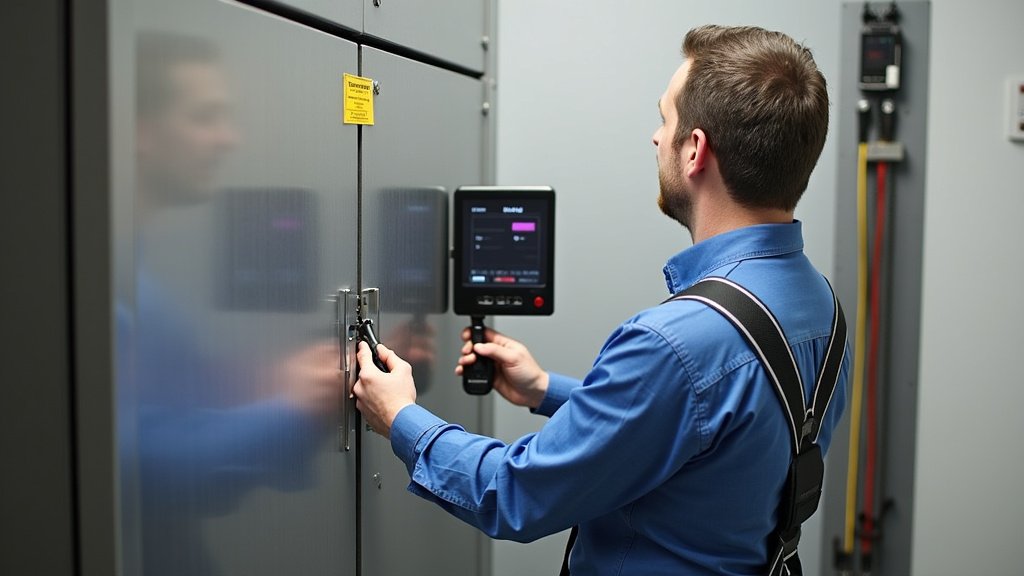
Quick Installation Checklist
Use this summary to keep your project on track.
- Power Off: HVAC breaker is in the OFF position.
- Zone Plan: Ducts mapped and damper locations marked.
- Tools Ready: Drill, snips, tape, and screws are at hand.
- Dampers Mounted: Each damper is secure with no gaps.
- Wiring Verified: All wires connected to correct controller terminals.
- System Tested: Each damper opens and closes on command.
Common Installation Hurdles and Simple Fixes
Even with careful planning, you might hit a snag. Here are solutions to frequent challenges.
| Problem | Likely Cause | Quick Fix to Try |
|---|---|---|
| Damper motor hums but blade doesn’t move. | Binding or incorrect alignment. | Loosen mounting screws slightly to re-align, then retighten. |
| System makes loud noises after installation. | Excessive static pressure from closed zones. | Check for a required bypass damper. Ensure some dampers are always partially open. |
| Zone temperature doesn’t match thermostat setting. | Poor sensor placement or calibration. | Move the zone sensor away from direct sun, vents, or drafts. Run the system’s calibration routine. |
| App shows a damper as “offline.” | Communication wiring issue. | Power cycle the controller. Check the wiring between the damper and the controller for a secure connection. |
Maintenance for Long-Term Performance
Your new system needs occasional care to stay in top shape. We found that following a simple routine prevents most issues. The National Air Duct Cleaners Association recommends regular inspection of your HVAC components.
Once a year, **visually inspect your dampers** for dust buildup on the blades. Gently vacuum around the actuator motor to keep it clear of debris. Ensure the wiring hasn’t become brittle or disconnected. A well-maintained system can provide **years of efficient, personalized comfort**. Enjoy the perfect temperature in every room.
Conclusion
You’ve now walked through every step to install smart zone dampers, from mapping your ductwork to final calibration. The key is careful preparation, using the right tools, and methodically working through each phase. Your system is now ready to deliver precise, personalized comfort room by room. The next step is simple: gather your tools, start marking your duct locations, and begin the installation. Take your time, follow the steps, and enjoy the efficient, quiet airflow control you’ve created. If any issues arise, remember the troubleshooting tips or consider a quick professional consultation for peace of mind.
Frequently Asked Questions
How do I know if my HVAC system is compatible with smart zone dampers?
Most forced-air systems with a blower fan are compatible. Check your damper specifications for a 24-volt control signal requirement. We recommend reviewing your furnace manual to confirm static pressure limits before starting.
Can I install smart zone dampers myself, or do I need a professional?
Supply-side dampers are often a manageable DIY project for handy homeowners. However, return air dampers or systems requiring bypass dampers frequently need professional help to ensure proper pressure balance.
What causes loud whistling or banging noises after installation?
This usually means excessive static pressure from closed zones. Ensure you have installed a bypass damper or set some dampers to remain partially open. If noises continue, recheck your airflow balance settings.
How do I troubleshoot if a damper isn’t responding?
First, verify the power to your zone controller is on. Then, carefully inspect the wiring connections between the damper and the controller terminal block. A loose or incorrect wire connection is the most common cause.
Will smart zone dampers increase my energy bills?
When properly installed and programmed, they typically decrease energy use by conditioning only occupied zones. Research and found that zoned systems often lead to lower bills by avoiding the conditioning of unused spaces.
